Round Corners
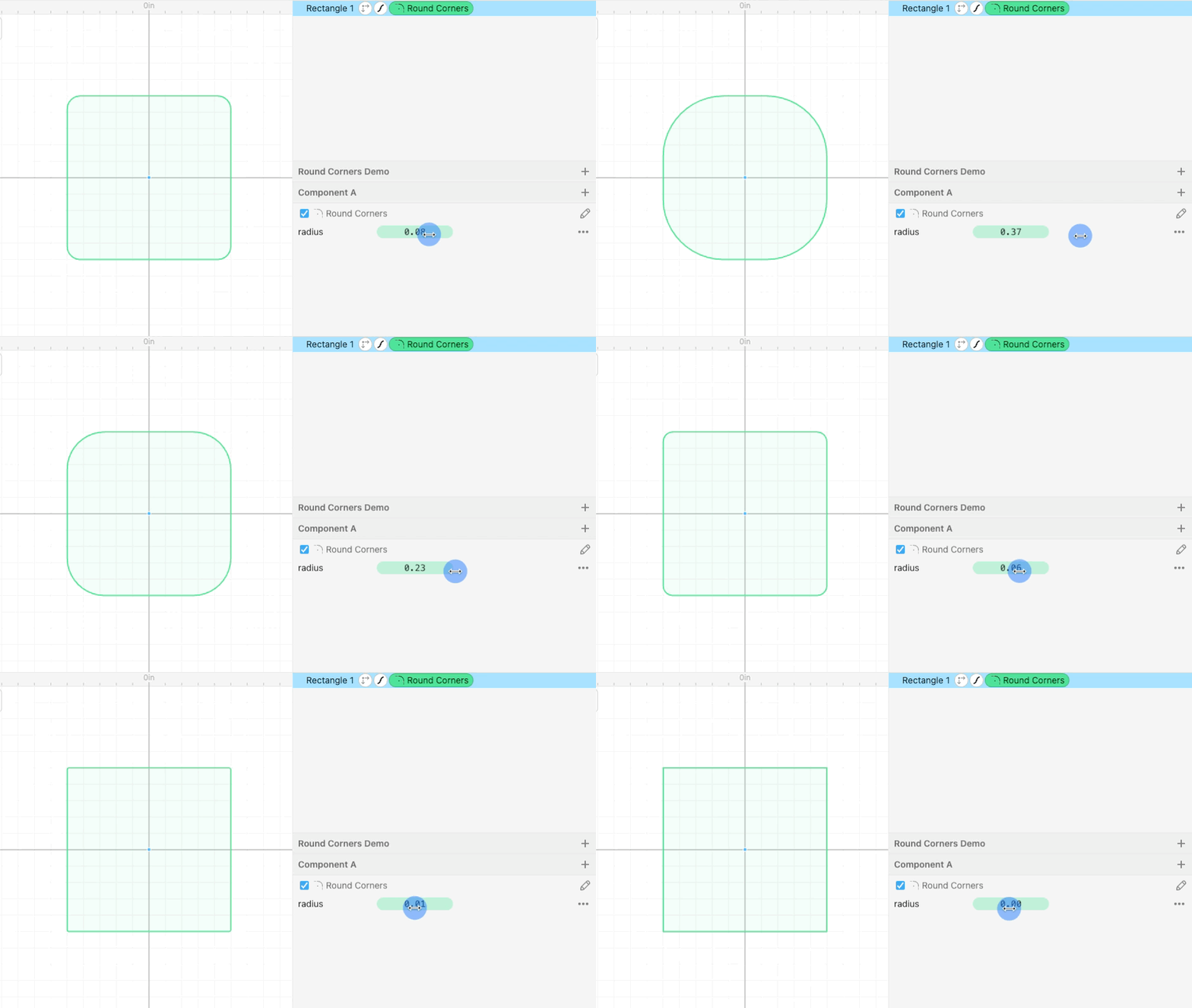
Use the Round Corners modifier to round off a shape’s corners by setting a custom radius.
How to use it
- Select your shape.
- Go to Modify → Round Corners.
By default, this rounds all corners using the same radius.
Rounding Individual Corners

If you want to specify a different radius for each corner of your shape you can create a list of values using square brackets. Each number will correspond to a corner.
On the example above we target a single corner of the rectangle with this list, note that the order on the rectangle goes top-right, bottom-right, bottom-left, top-left.
[0,2,0,0]
And it’s possible to specify entirely different values for each corner. In the example below, starting from the top right corner the values are 1”, 2”, 0 (no rounding) and 0(no rounding).
[1,2,0,0]

Polygons and Other Shapes
You can use the Round Corners modifier with any shape that has corners.