Getting started with scripting
Introduction
Cuttle’s scripting features allow you to write JavaScript code that can modify your shapes or generate new shapes.
All of Cuttle’s built-in modifiers, like Rotational Repeat, Outline Stroke, etc. were created this way. That is, we built Cuttle using the same scripting features you have access to. You can see the code of any modifier by clicking the pencil icon on the right side of it in the inspector.
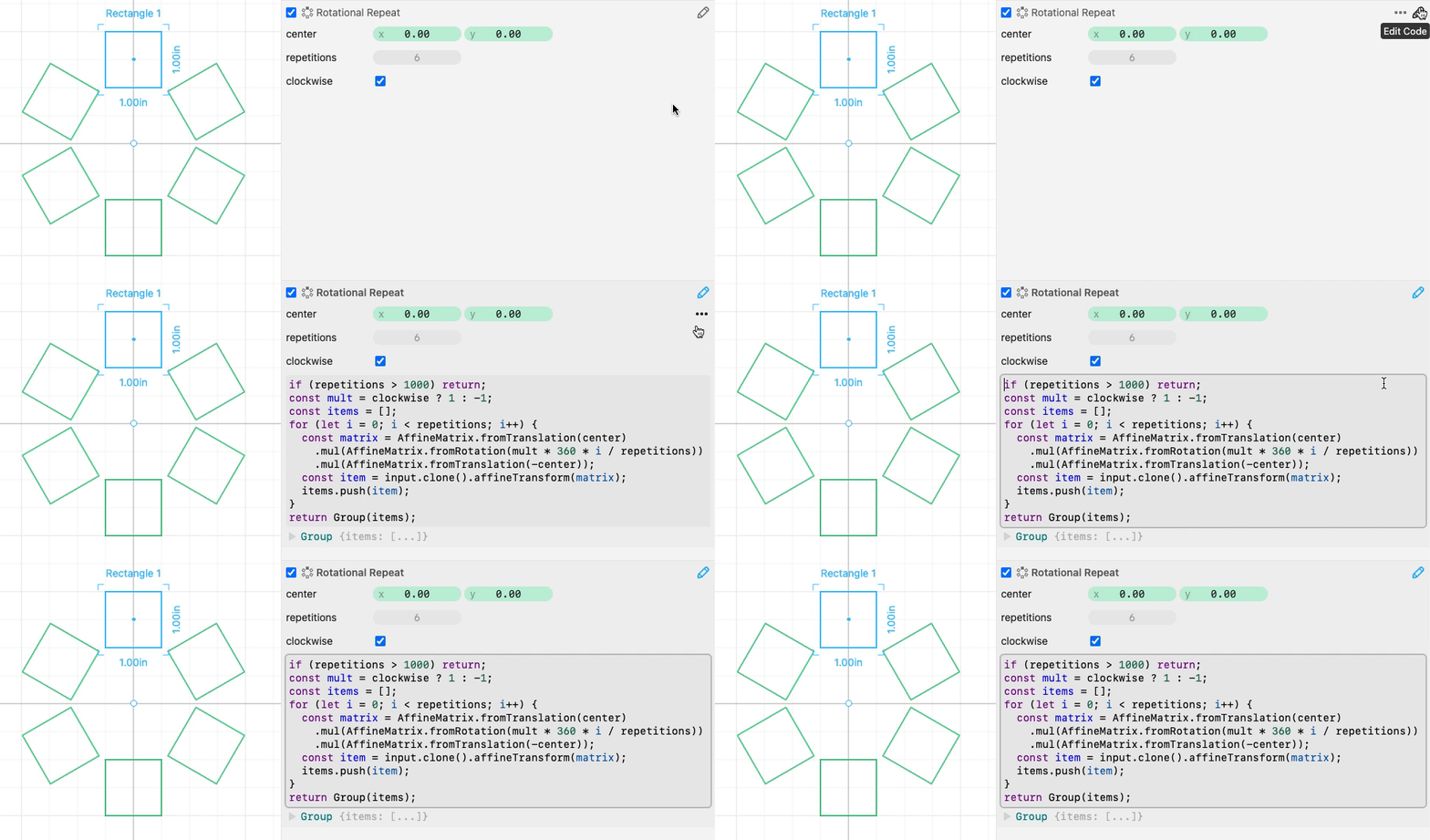
Note: to edit the code of a built-in modifier, click the “…” next to the pencil and choose “Create variation”.
Scripting is still an experimental feature. If you run into issues please join us on the #coding channel of the Cuttle Discord. We’re happy to answer questions!
Your first custom modifier
First, draw a simple path.
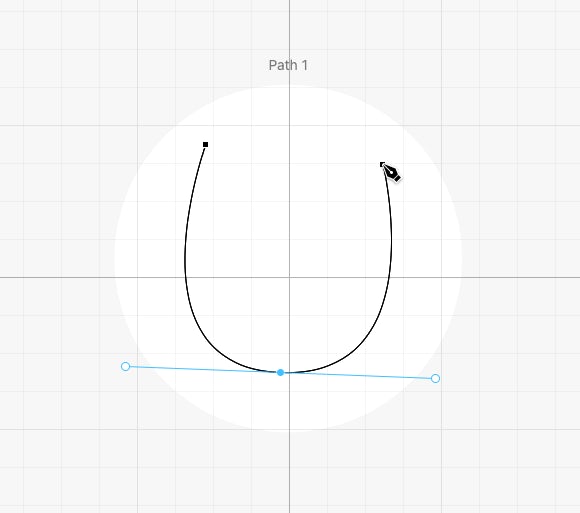
Select the path and choose “New Modifier” from the Modify menu.
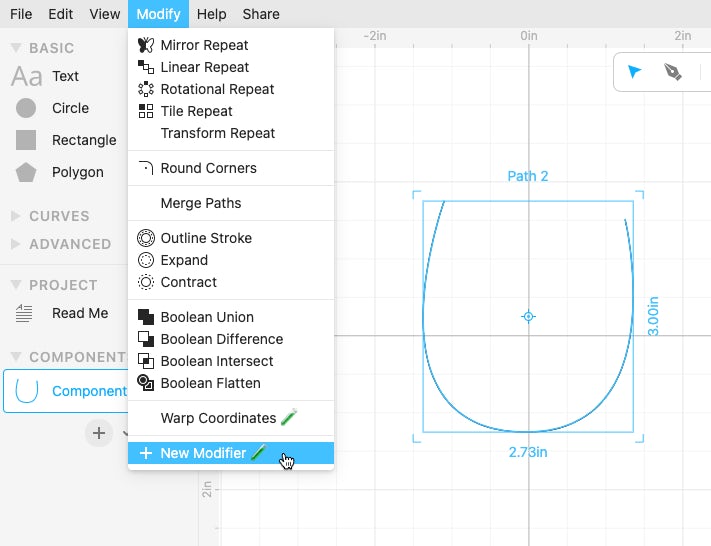
This will create a new modifier called “Modifier A”, and select it. Here’s what the default modifier code looks like:
input is a special variable accessible only in modifiers. It contains the geometry to be modified. This geometry comes from the original shape, or the previous modifier in the modifier chain.
In JavaScript, the console.log function prints out any arguments passed to it. Cuttle shows the arguments right below the function call as an outline. Click the triangle ▶︎ to expand a property and show it’s children.

Modifiers must return some geometry. In the default modifier code, we just return input without modifying it at all.
Modifying the input
Here’s a simple modifier that perturbs every anchor in the input by a random amount.
input.allAnchors() returns an array of all the anchors in the input. If we’re sure that our input is a Path, then we could just access the input.anchors property to get this array. But input.allAnchors() is more robust because it also works if the input is any other type of Graphic, for example a Group or CompoundPath. In these cases, allAnchors will traverse through the entire input and return an array of all the anchors it finds.
Given this array of anchors, we then do .forEach(anchor => { ... } which loops through each anchor and does something with it.
- JavaScript Basics: What’s
forEachand what’s=>?forEachis a standard JavaScript method on arrays. It’s similar to looping through an array with aforloop.=>is “arrow notation” for writing a function. It’s similar to writingfunction (anchor) { ... }.
The Anchor class has a position property which is a Vec. And a Vec has an x and y property representing its coordinates. We mutate those properties with the lines,
Here we’re using Cuttle’s globally provided random function. random is similar to Math.random except that it:
- Has some additional parameters that make it easier to use. For example we provide a minimum (
1) and maximum (1) parameter to it. - It’s deterministic. So while it’s random, it will always return the same values if called in the same order, with the same initial seed. If you used
Math.randomthen your points will flicker around the canvas whenever Cuttle’s evaluation updates. Using Cuttle’srandomis recommended.
Adding a parameter
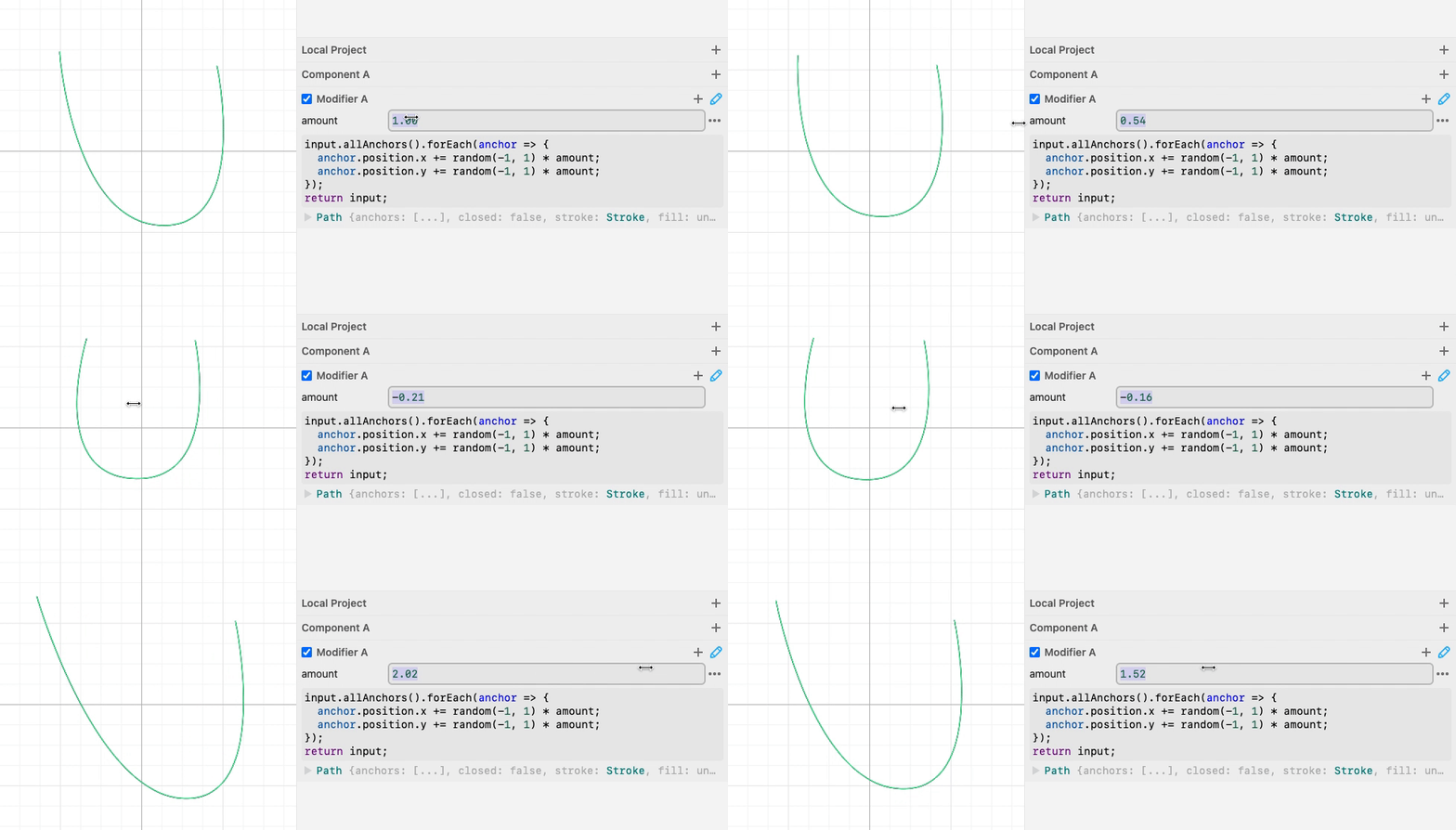
Now let’s try adding a parameter called amount to our custom modifier.
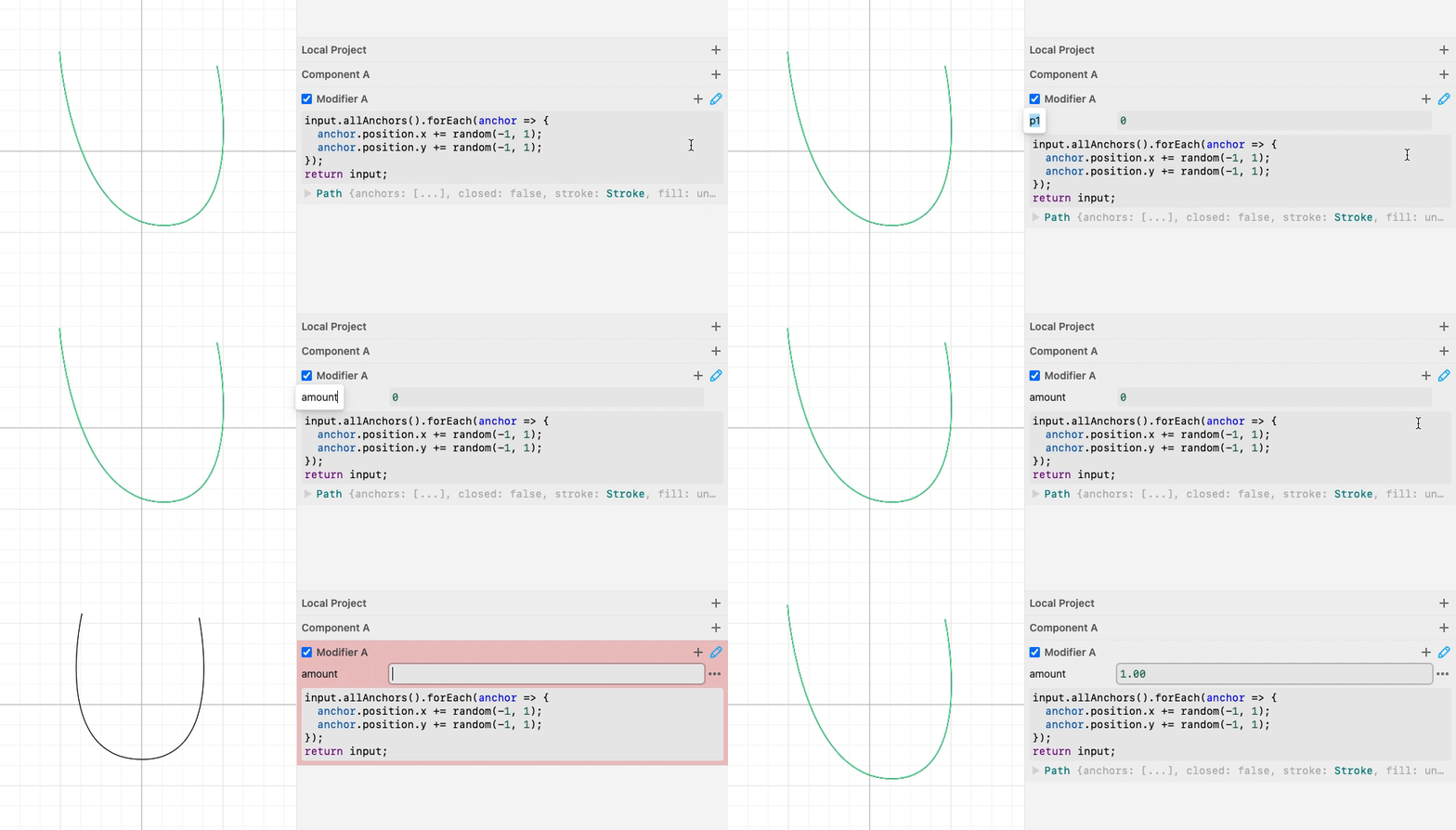
Once we add the amount parameter, we can use it in our code:
Now we have a parameter to control the amount that we randomly perturb each anchor.