Account Troubleshooting
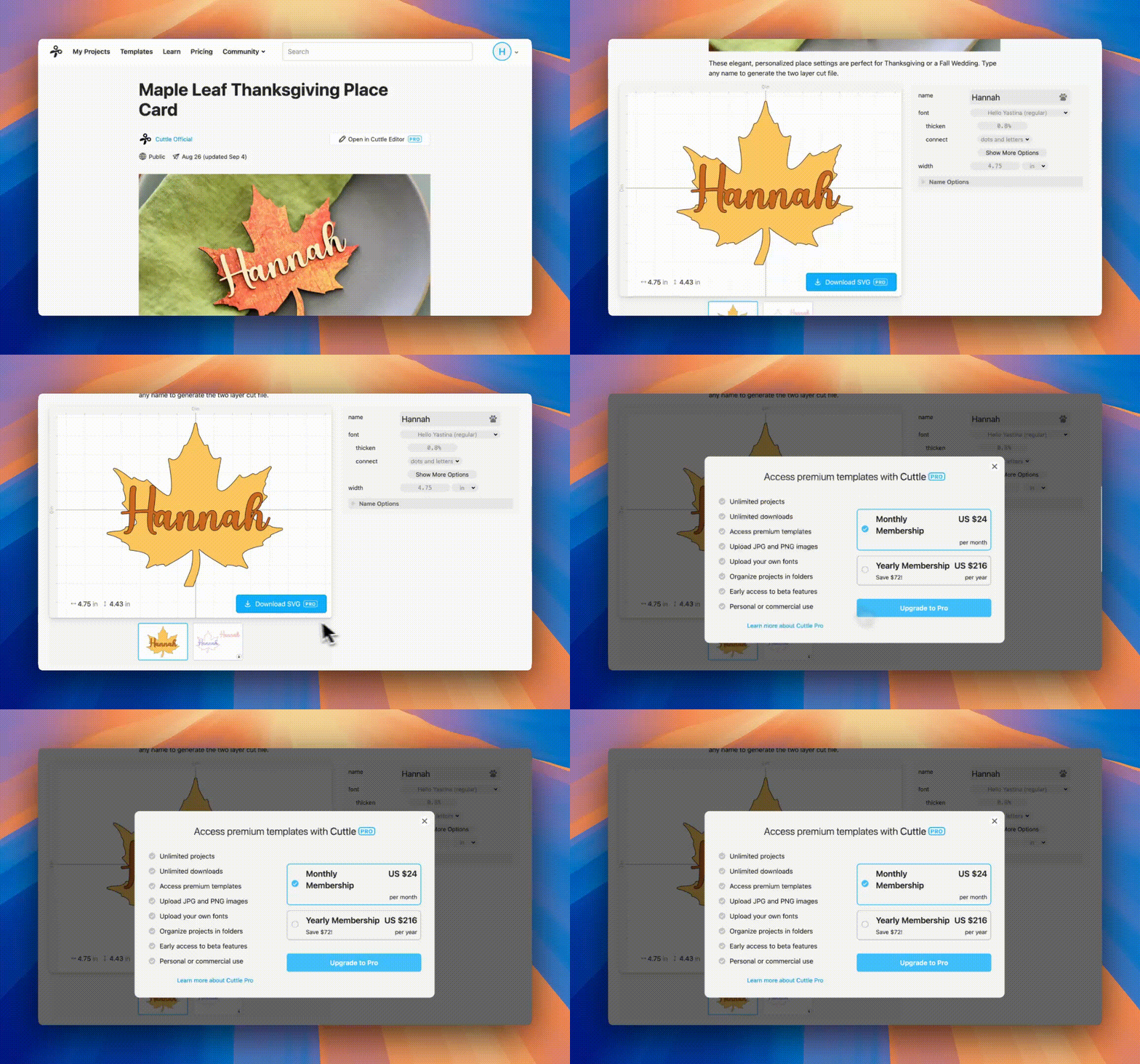
If you’re seeing “Upgrade to Pro” even though you’ve already paid, it usually means you’re signed into the wrong account. Here are some quick steps to check:
1. Confirm the email on your Pro account
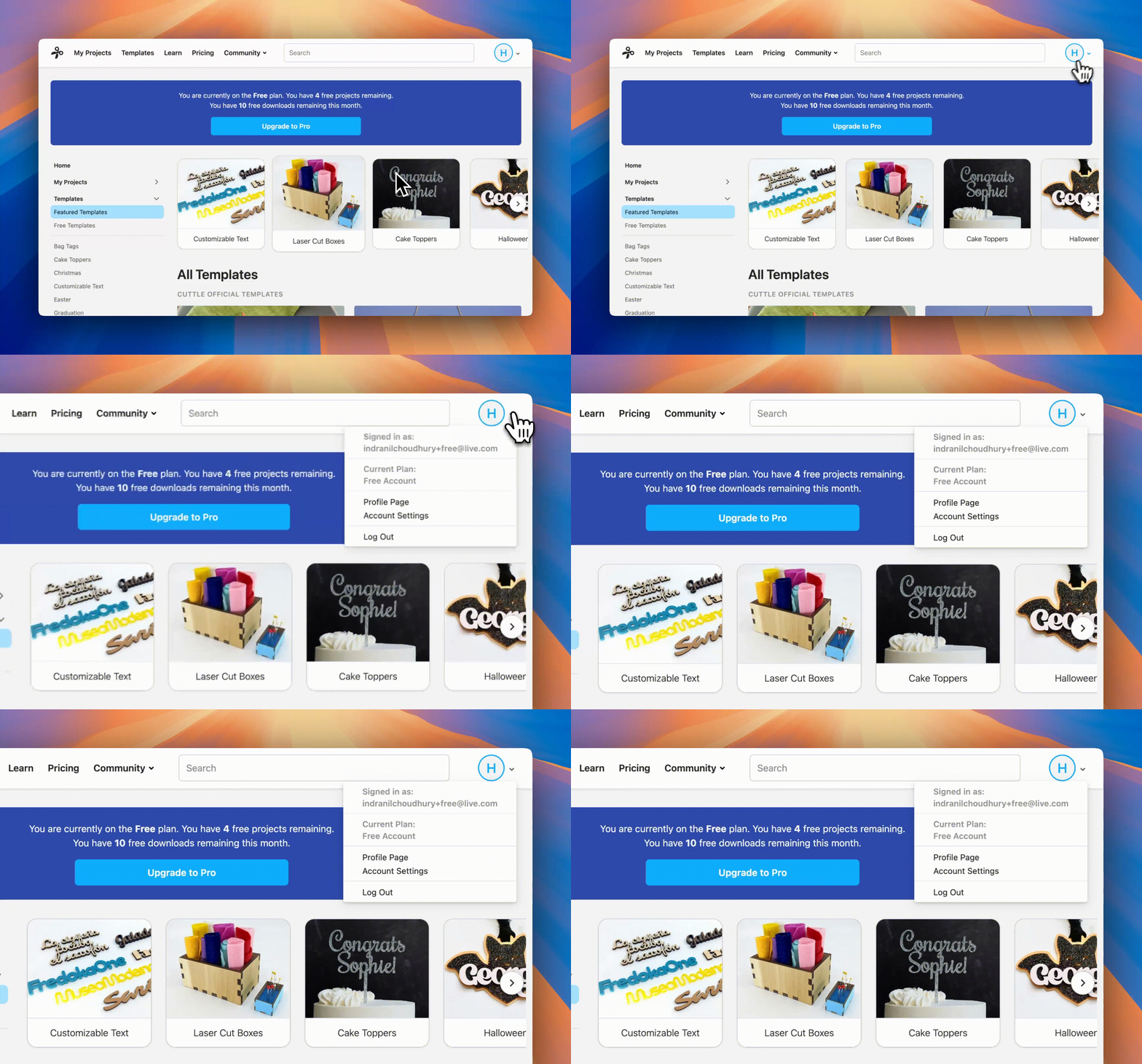
- Click the button on the top-right of your screen.
- Make sure you’re logged into Cuttle with the same email you used to sign up for Cuttle Pro.
- If your Current Plan says Free Account, and you meant to be on another account, click Log Out and try signing in with the correct account.
2. Try signing in with Google
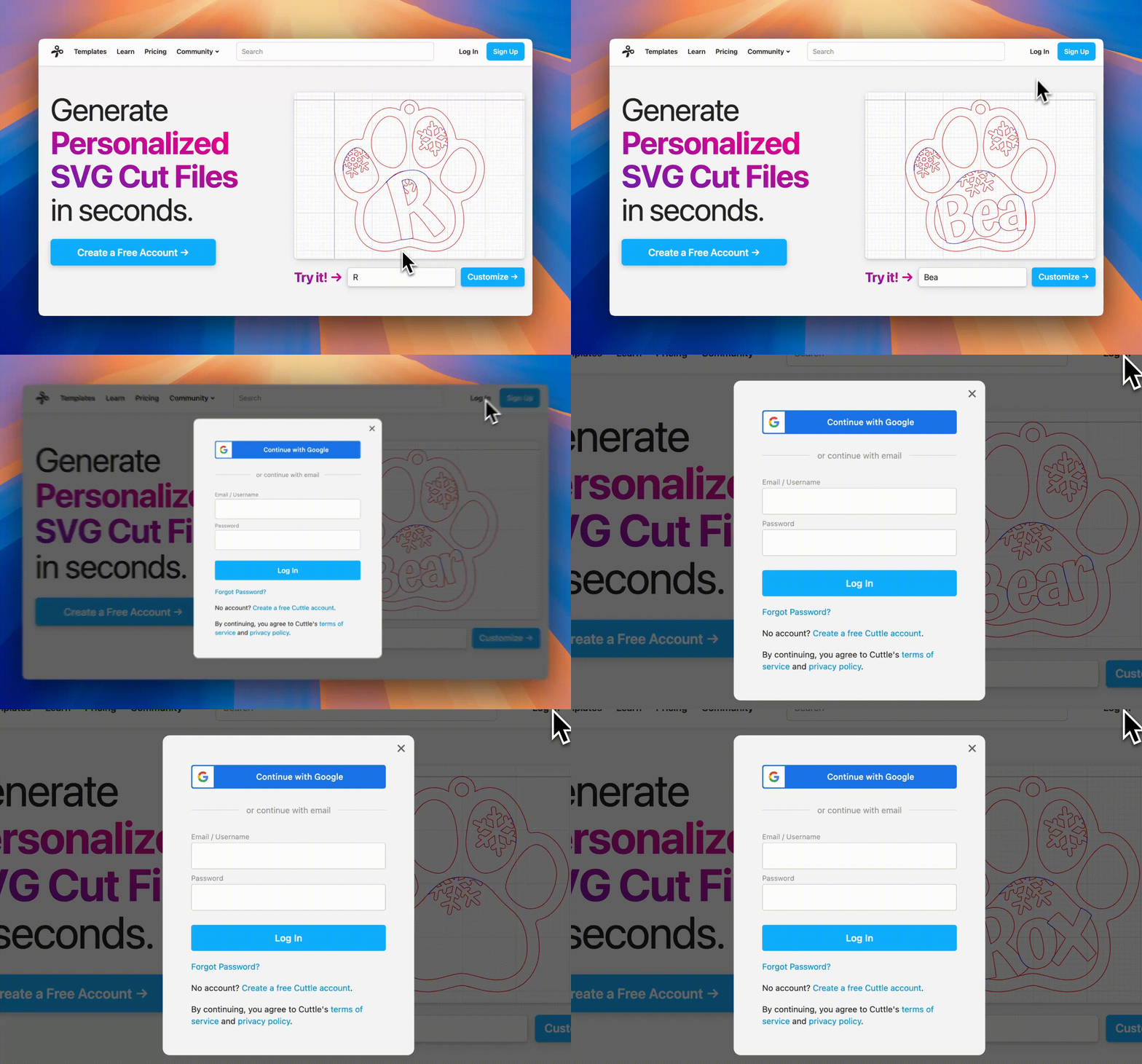
- If you signed up for Cuttle using your Google Account, make sure to click on Continue with Google to sign in.
- If you created a password instead, sign in with email + password.
- Note: If you originally signed in with Google but want to switch to using your email and password, go to the Forgot Password page and enter your email. You will receive a link in your email that lets you set a new password on your account.
3. Still need help?
If you’re having trouble locating your account with Cuttle Pro or still have issues, reach out to us at support@cuttle.xyz and we'll help you get in!