Bunny Rabbit 3D
 Deanna's Wooden Art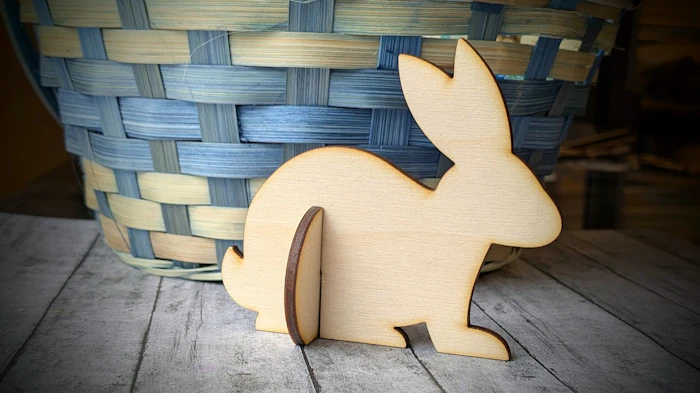
Create a 3D Bunny Rabbit after determining your Project Material's Slot Size.
Instructions
Determine your slot size
Using 1/8" material (acrylic, double sided MDF, wood) use Cuttle's Slot Size Tester (see link below) to determine what size to set your slot thickness value. I suggest for 1/8" material starting to start testing around at 0.114 inch and 0.115 inches.
Next preform a test cut using the Slot Test Square below. This will allow you to test the actual fit of the value obtained from the slot size tester. Repeat test cut, if needed, until you get a good snug, but not forceful, fit. Once satisfied, enter that value in the slot thickness box.
Download Pattern
Red =Cut, Green=Delete (Sizing Guide)
To make sure the pattern downloaded to size compare, a 1 inch or 1 centimeter square in your laser program to the Green Squares in the Pattern. The slot size will not be correct if the pattern is out of proportion. Then delete them, as they are a Pattern size guide only.
Cut from 1/8" material


