Sliding Drawer Box
 Cuttle Official
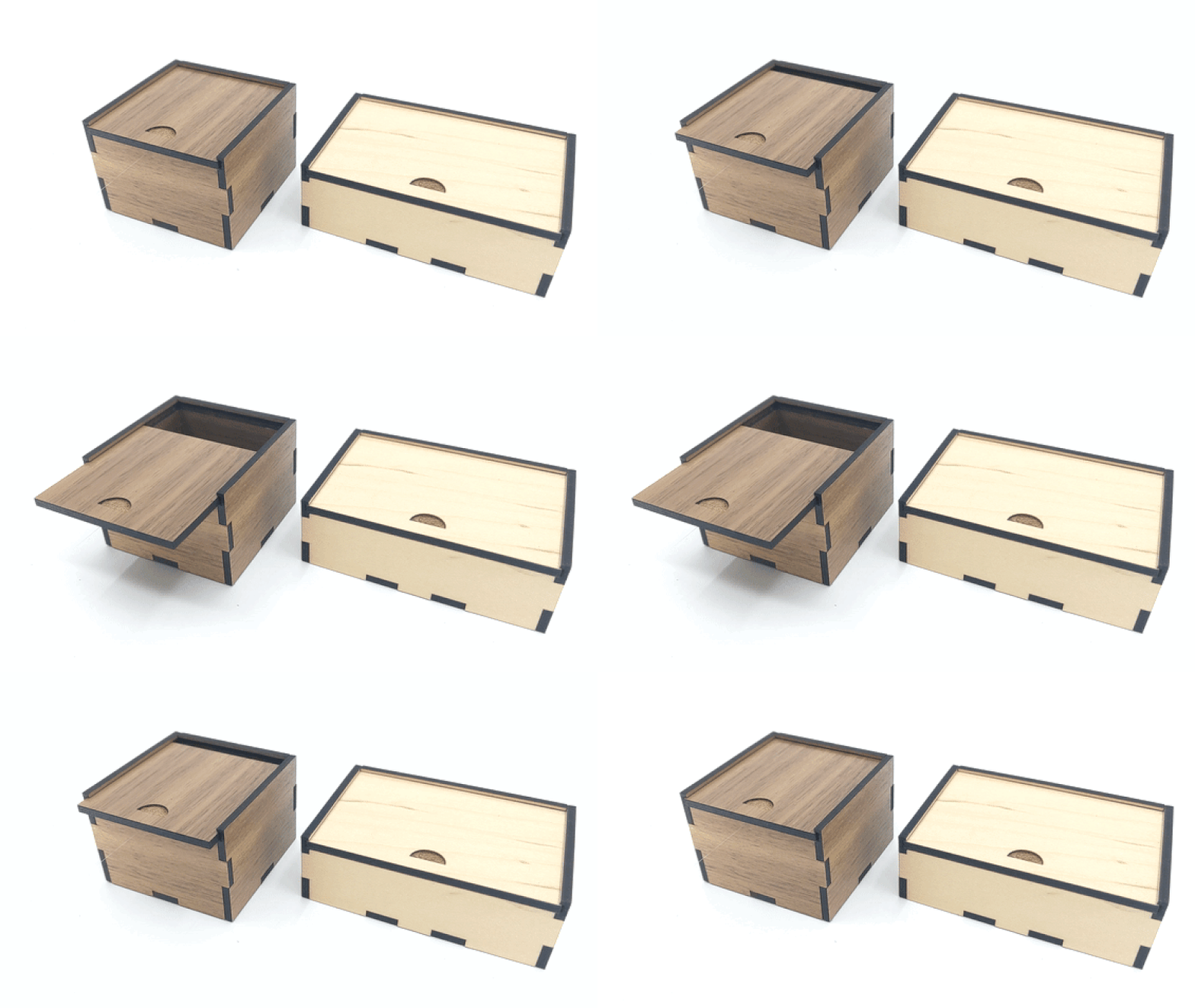
You can make a sliding drawer box with this template. It will generate a set of 2 boxes: a sliding drawer with a thumb-hole, and an outside box to contain it. Customize the dimensions, material thickness, and sizing.
How to Use
Set the dimensions of (
width,depth, andheight) of your desired box, choosesizeBydepending on your needs:sizeByouter dimensions will determine the outer dimensions of the outside box, for when the goal is to fit the whole assembly somewhere.sizeByinner dimensions will determine the size of the cavity for the inside box, for when the goal is to be able to fit something inside the drawer.
Set the
materialThicknessbased on the material you're cutting. This will determine the height of the finger joints.Set the
kerfto compensate for the kerf of your cutter. A value of 0.007" is usually good for tight-fitting laser-cut finger joints, but you'll need to adjust this depending on your material, material thickness, and cutter.Optional: adjust the
tabWidthif you want your finger joint tabs to be bigger or smaller.playwill create a small gap between the boxes to allow the drawer to move freely. Increase this number if the fit between the boxes is too tight.
Assembly
The finger joints will slot into each other with a tight fit. You may need to use a rubber mallet to tap them in.
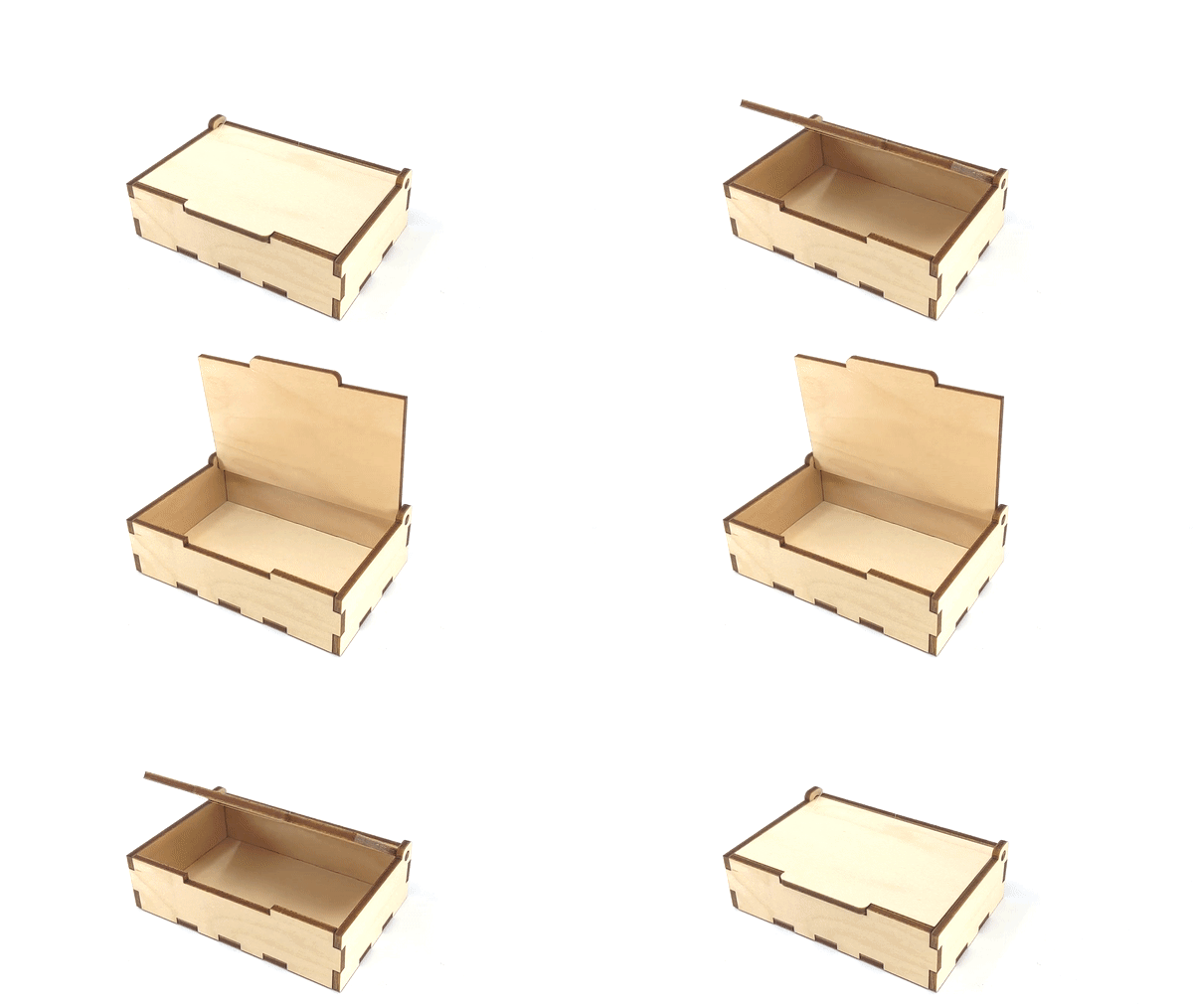
These diagrams show how the pieces fit together: