Patterns
 Layered Paper Art

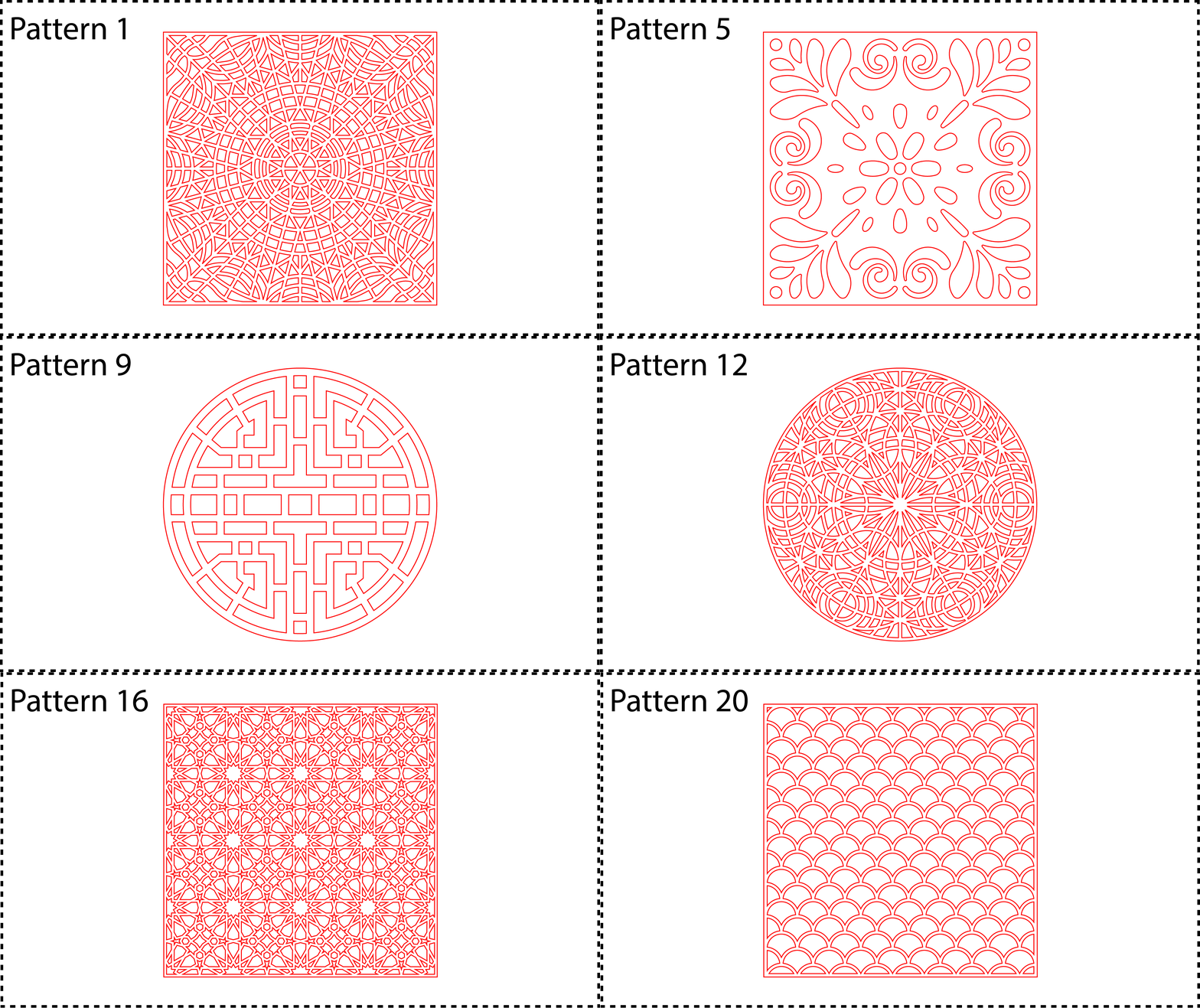
Create 17 unique square Patterns and 3 circular patterns in different sizes. There are 2 main options. See Option 1 and Option 2.
Set the Size to what you want. If you make a Size under 10 inches, "the webbing", or distance between inside shapes will scale down as well, so it is something to keep in mind. If you are at a Size around 4 inches, The inside should either be scored or engraved. The webbing will get too narrow for cutting.
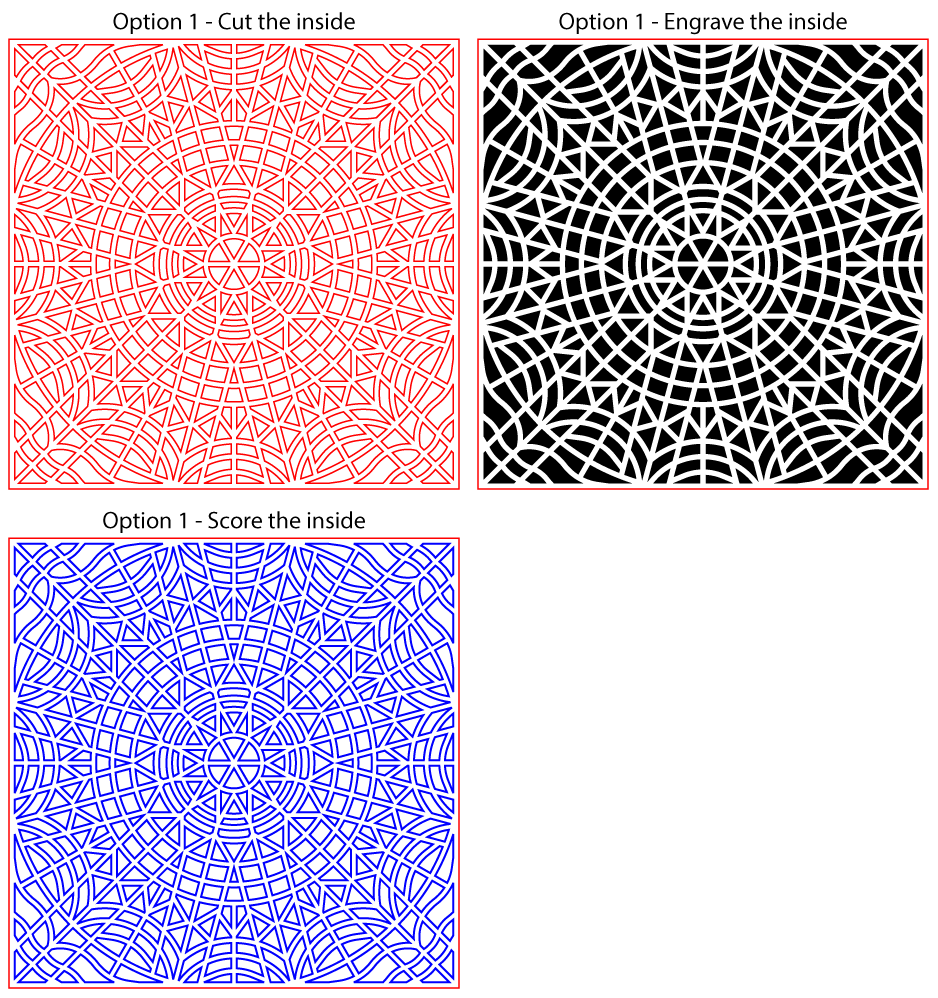
When you check or uncheck the FillStroke, the inside shapes can be either Cut or Engraved.
If you want to Engrave the inside, toggle the FillStroke to show a BLACK fill.
If you don't like using Black Fill for your engrave color, you can change the fill color by changing the EngraveColor parameter to what you like.
If you want to Score the inside, set the InsideColor to BLUE.
If you need to change the inside cut lines to a different color, set them by changing the InsideColor to what you are used to.
Option 1
Option 2
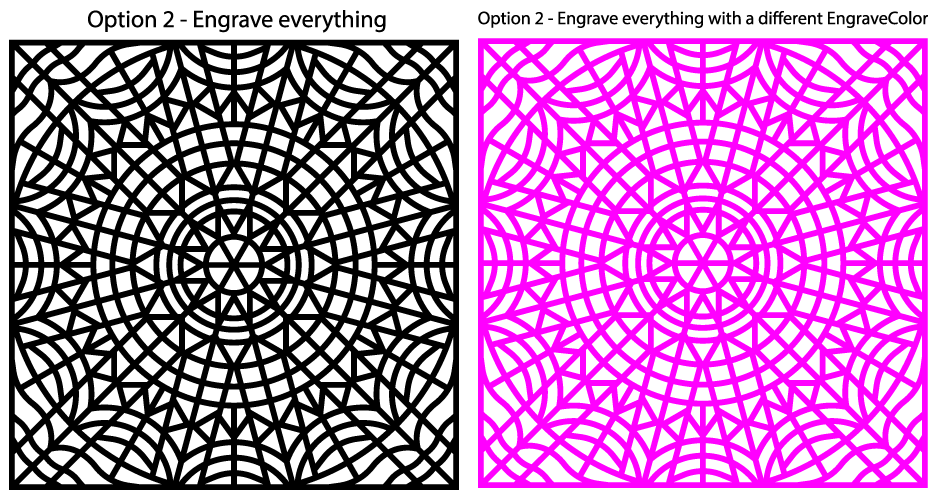
If you would rather have everything engrave, select Option 2.
If you don't like using Black Fill for your engrave color, you can change the fill color by changing the EngraveColor parameter to what you like. Other colors do not change.
Set the Size to what you want.
Scroll thru the patterns below, and choose the one that you like.