Dragon Ornament
 Sam | Samantha's Doodles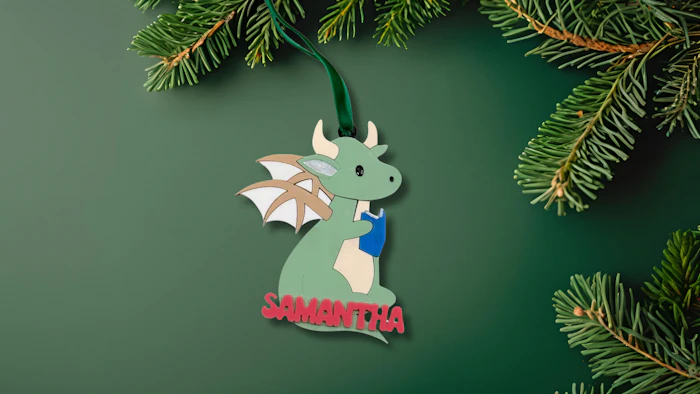
Three-layer Ornament with name. Instructions and recommended materials below.
Update name as needed
Download SVG File
Cut backer from 1/8 acrylic
Cut design elements from 1/8 acrylic with double-sided adhesive on BACK of your pieces. They are separated by color.
Cut name from 1/16 or 1/8 acrylic with double-sided adhesive on BACK of piece (1/16 will provide more stability as it has less surface area to snag on items)
Color fill engraved areas as needed/desired with craft paint or markers.
Assemble following Mockup
Add Ribbon for hanging
FILE KEY:
Blue = Score
Red = Cut
Black = Engrave
Makes & Comments
You must be a member of Cuttle Pro to post in this area.