Snowflake Personalized 3-Layer
 Deanna's Wooden Art
Create a 3-Layer Personalized Snowflake Ornament -Just Type in a Name..
Directions:
Type in a Name. Choose your font. Consider using Thicken if parts of the letters are thin (found under "show more options").
The year option appears on the bottom snowflake - leave blank if not desired.
Download Template. Red=Cut, Blue=Score, Black=Engrave
Recommended Material:
Snowflakes - any type of "Whiteboard"
Center Layer - wood of your choice.
Bottom Layer Clear Acrylic, Frosted Acrylic or "Whiteboard".
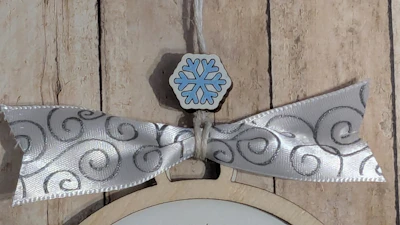
Want to make the Snowflake Bead too? Follow this link:

Visit Deanna's Wooden Art for More Templates HERE
Makes & Comments
You must be a member of Cuttle Pro to post in this area.