Tab and Slot Tester
 Cuttle Official
Find the the perfect kerf compensation for projects that use tab and slot joints.
Some projects like our Polygon Boxes require you to find a kerf compensation value that works with your specific combination of materials and machine settings. With this template you can test multiple values by cutting these two matching parts and checking the fit.
How to use
The kerf is the width of the cut, that is, how much is vaporized away by the laser cutter. And it will be affected by several factors:
The material that you are using.
Your specific machine.
The cut settings (focus, power and speed).
One important thing to remember: bigger kerf value = tighter fit
Set the
materialThicknessbased on the material you're cutting. Be sure to measure this with calipers so that the tabs fits into the slots. Use a section of material without masking tape.
The
startingKerflets you set the smallest kerf value you want to test.When cutting use the same settings you'll be using for your final project. And make sure to score the numbers as a reference.
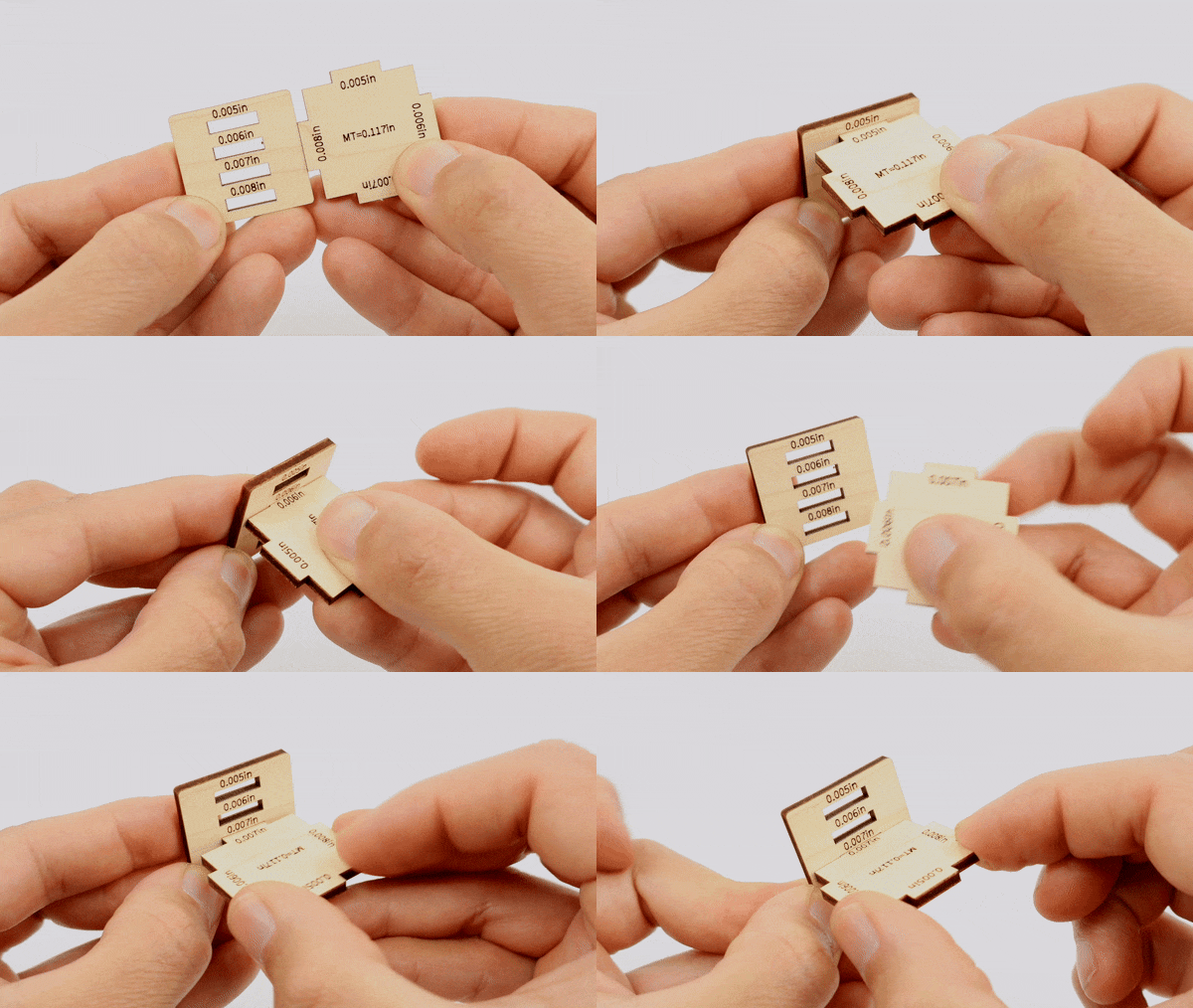
After you cut the pieces test each tab with its matching slot, and note the value that is easy to insert but remains tightly in place.
Notes for Designers and Deep Divers
When compensating for the kerf on these kind of projects we add or subtract the kerf value on the sections that are likely to be consistent because they are cut by the laser.
On the sections determined by the materialThickness we don't use the kerf value because there will always be some variation on the actual thickness of any given piece of material, so materialThickness is mostly useful for determining the height of the joints but not for affecting the fit. This might be more clear with a few diagrams.
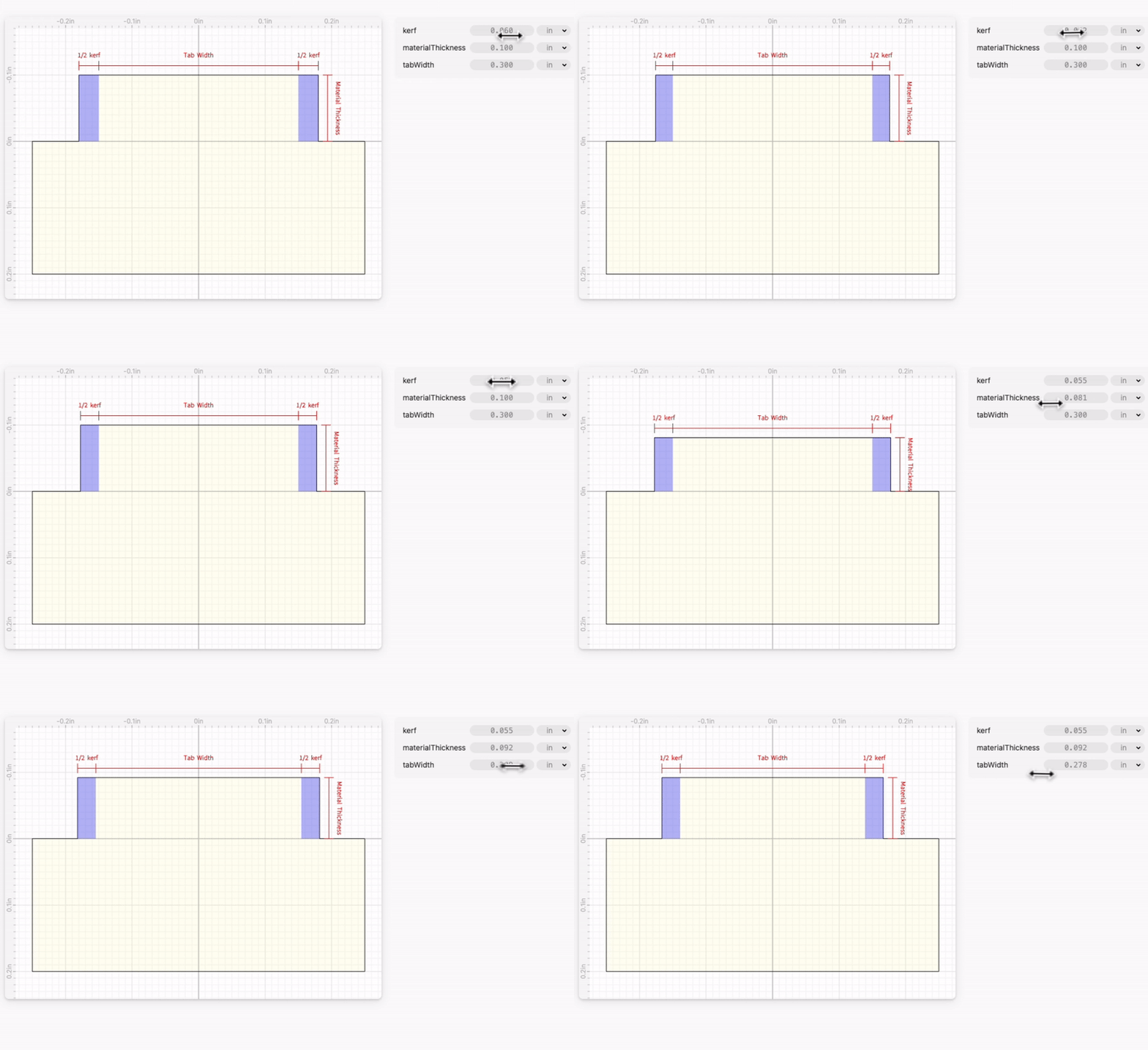
On the tabs
Half the kerf gets added on each side of the tab, and the tab height is materialThickness. Effectively the size of the tab itself would be: (tabWidth+kerf, materialThickness)

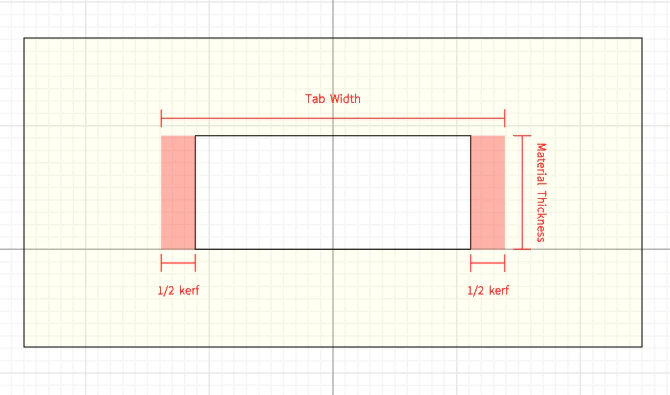
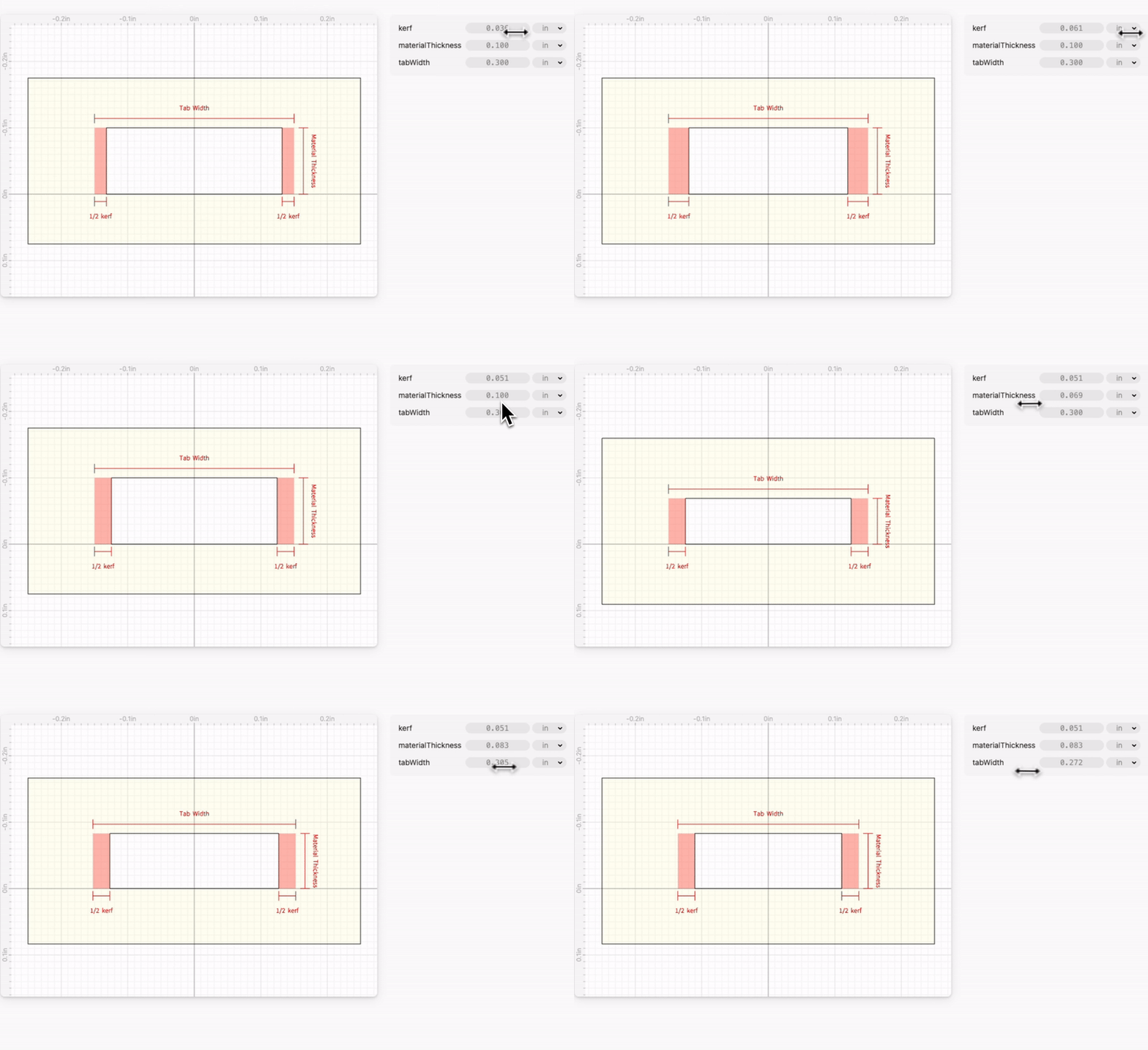
On the slots
Half the kerf gets subtracted on each side of the slot, and the slot height is materialThickness. Effectively the size of the slot itself would be: (tabWidth-kerf, materialThickness)