Print & Cut Photo Keychain
 Cuttle Official
Upload any photo to generate a print & cut keychain. An SVG for cutting and a PDF for printing are automatically generated. You can customize the size and position of the photo, the size and shape of the keychain, and the size of the (optional) keychain hole.
Note that some "bleed" is added around the border of the image to ensure that the entire keychain is printed even if you don't align things perfectly.
How to use
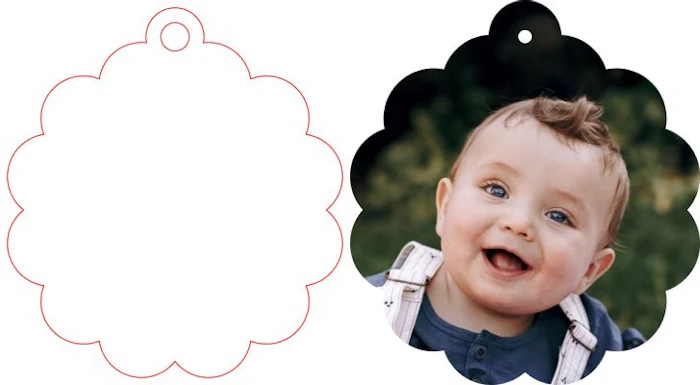
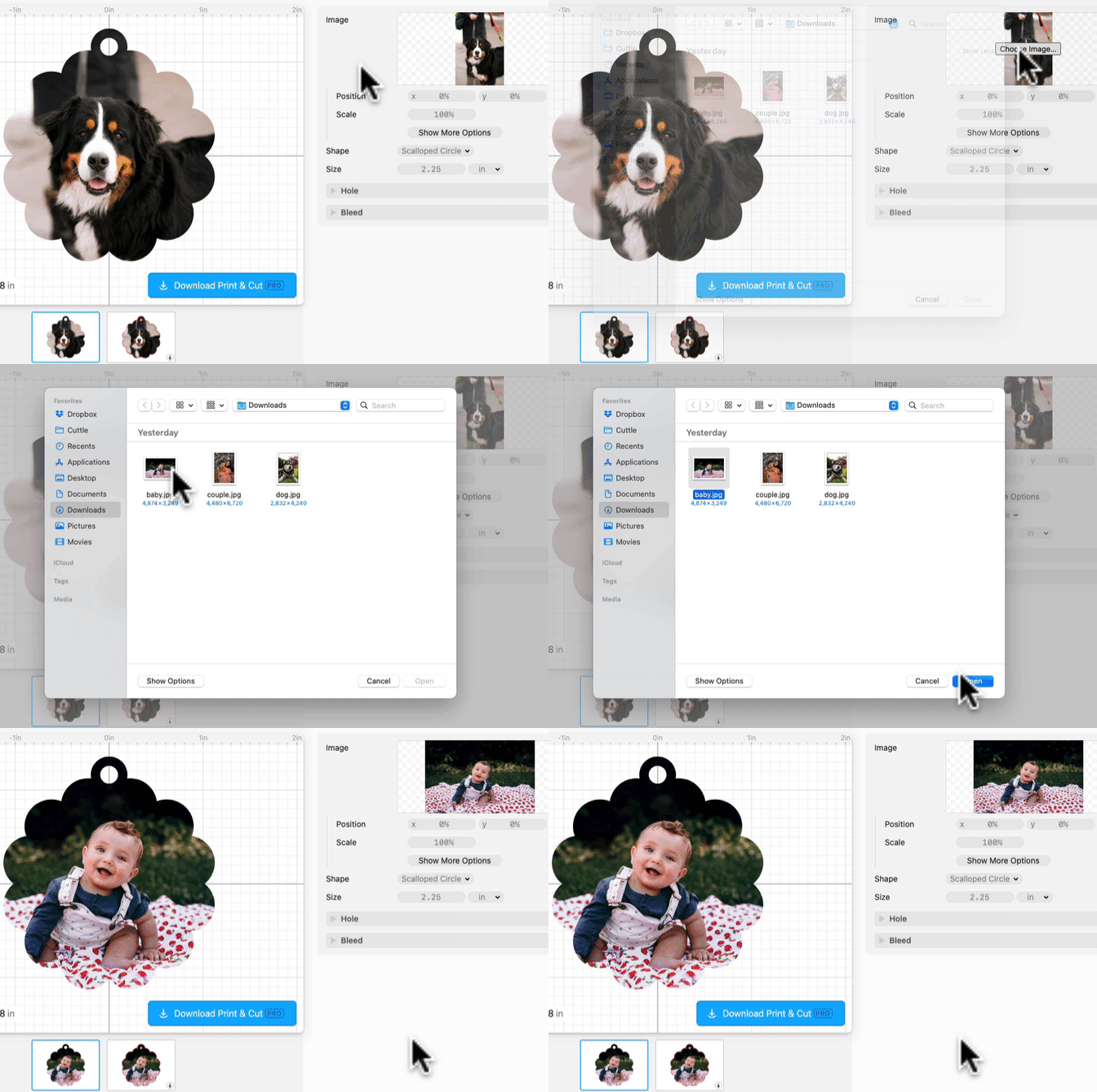
Upload any photo.
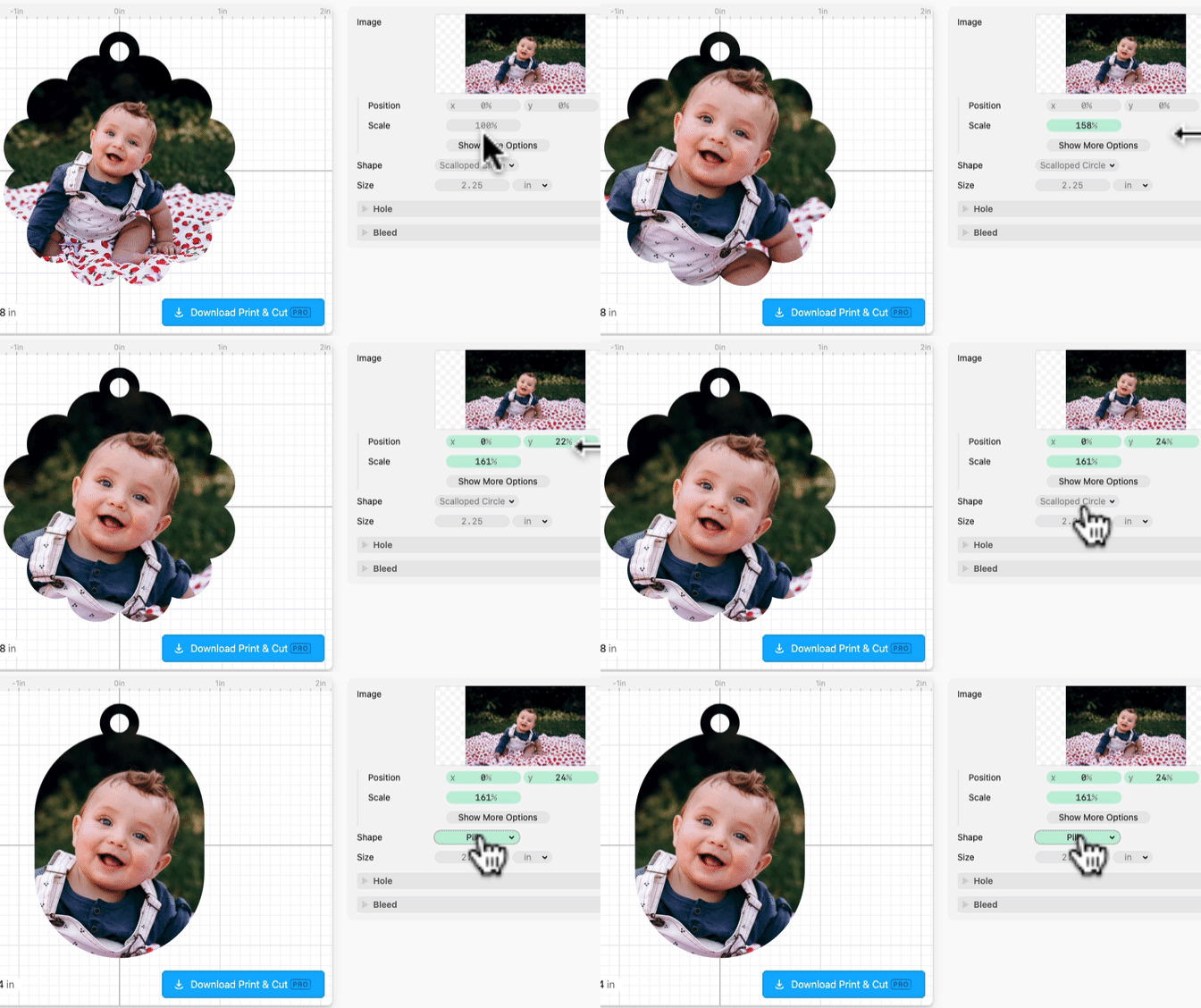
Adjust Position and Scale if desired, customize the Shape of the keychain and any other settings.
Click Download Print & Cut. You'll get a zip file containing a print PDF file and a cut SVG file.
For the samples above, I cut the pieces from 1/8in matte white acrylic. I then printed the PDFs onto these with my eufyMake.

The keychain accessories are Keychain Thingies (use CUTTLE10 for 10% off).