Pencil Engraving Jig
 Cuttle Official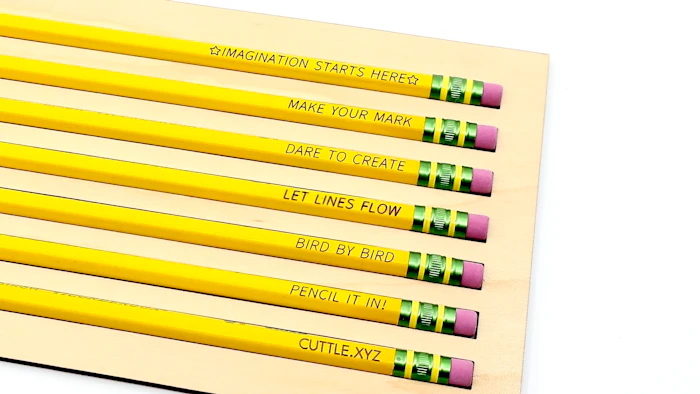
Instantly generate perfectly aligned text for engraving onto Dixon Ticonderoga pencils. This template includes a jig for holding the pencils, a Cuttle template that places your text automatically, and thorough instructions with video.
Video Tutorial
Text Options
Jig Cut
How to Use
1. Cut the Jig
Start by downloading the Jig Cut file and cut it out of your preferred material. We recommend 1/8" thick MDF. Be sure to score the arrow that marks the top left corner of the jig. As a default the jig will have 12 pencils slots but you can choose any number of slots inside the Jig Settings folder.

2. Make an SVG with your custom text
Type the text you would like to engrave in the text field, choose your font or other settings, and download the SVG file.
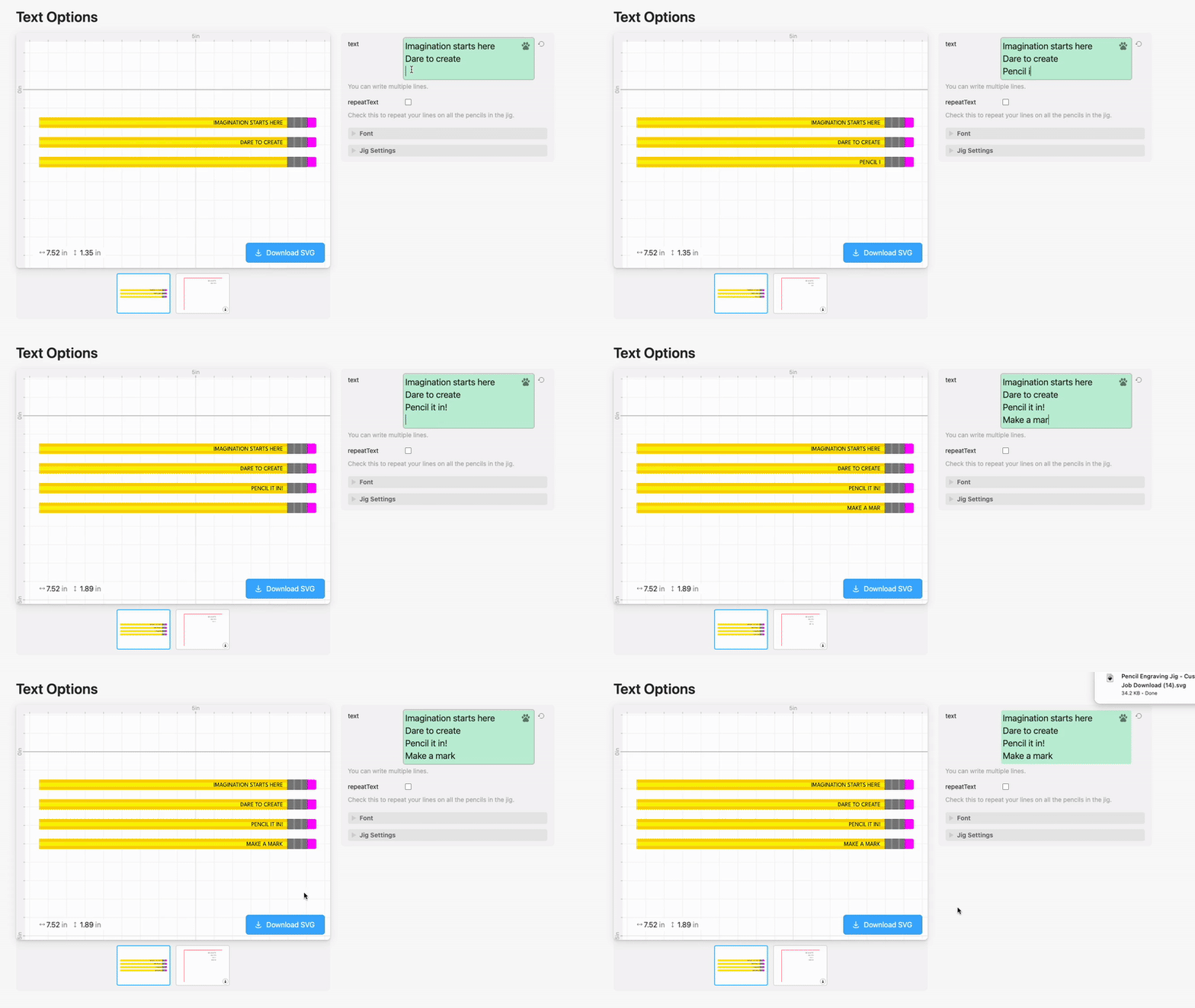
3. Register the jig
Place masking tape in the top left corner of your laser bed.

Load the SVG from step 2 into your laser cutting software.
You’ll see two things: the corner cut (for registering the jig) and your text (to be engraved or scored onto the pencils)

Set the text to “Ignore” and the corner cut to a very light cut setting to cut through the tape.
We used these settings:

Cut the tape, then peel it and gently push the jig into the registered corner.

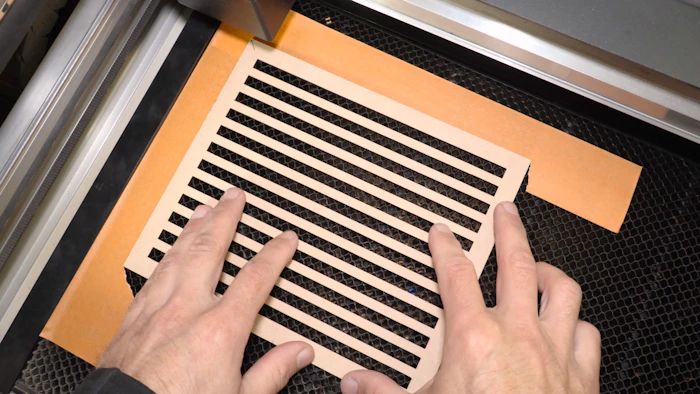
4. Load the Pencils
The erasers should be on the right side. With hexagonal pencils make sure they are laying flat.

5. Engrave or Score the Pencils
In your laser software, set the corner cut to “Ignore” and set the text to “Engrave” or “Score” depending on what kind of font you’re using. (Single Line Fonts should be scored.)
For engraving, these Glowforge settings work well:

For scoring:

For both, make sure to set the focus height to Manual with a height of 0.267 in (the height of a pencil).
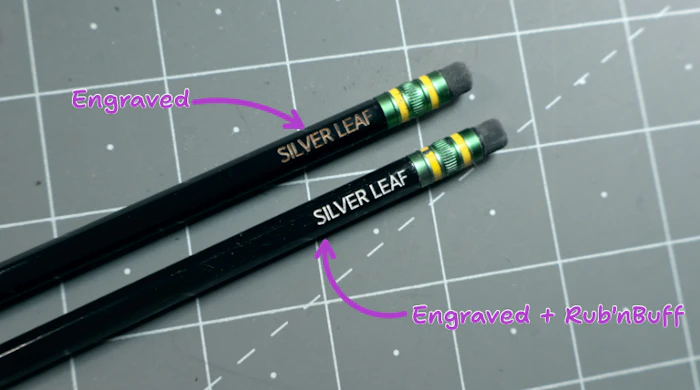
6. Optional: For black pencils, apply Rub n Buff
You can make the text stand out on black pencils by applying Rub'n Buff.
Apply a very small amount. Scrape off excess. Then wipe off excess with a paper towel and some rubbing alcohol.

Materials & Supplies
We’ve tested all of these pencils and they worked great! (Includes affiliate links.)
Classic Dixon Ticonderoga yellow pencils

Neon Color Pencils

Dixon "Envirostik" Lacquer-free Natural Wood Pencils

Black Pencils with Silver Rub'n Buff