Name Tags
 Cuttle Official
Customize the name and font to quickly generate laser engravable name tags. The text will automatically scale to fit within the name tag.
How to Use
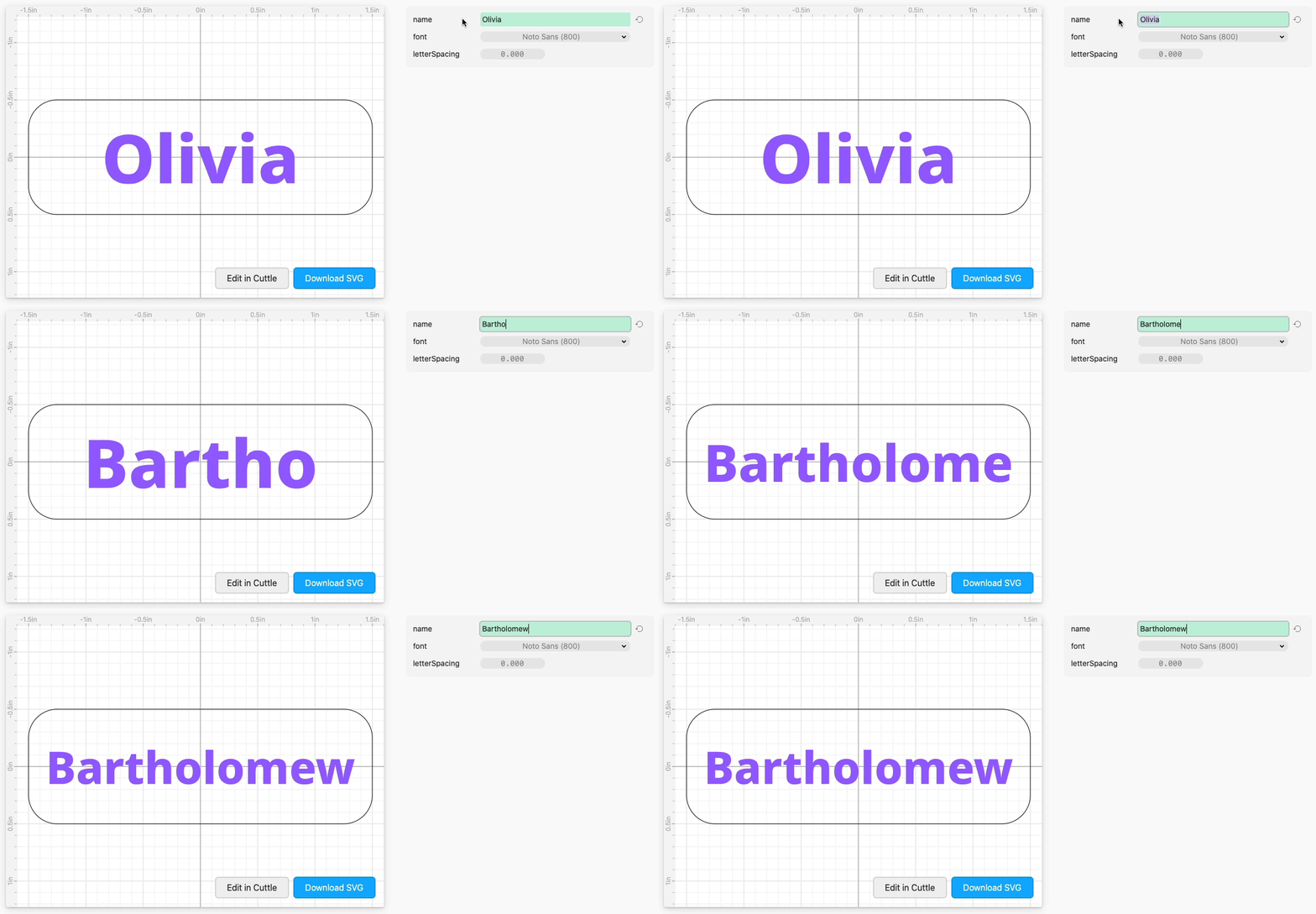
Type the
name.Adjust the
fontorletterSpacingif desired.Click Download SVG.
The filled purple text is intended to be engraved and the black outline to cut.
After cutting, hot glue a pin back to the back.
How to Customize
This is a deliberately simple template that can be customized to add a logo or change the shape of the name tag.
Click "Edit in Cuttle", then adjust the Rectangle with rounded corners to change the cut outline (or make an entirely new cut outline).
Adjust the Rectangle with "Text Within Box" to change where the name appears or how much space it occupies.
You can also add additional elements — the logo for an event or organization, decorative elements, etc.
When you're happy with your design, you can still use the name parameter to quickly generate lots of name tags.
Examples
Example with custom shape as the outline:

Example with custom logo:
