Heart Night Light
 Cuttle Official
A personalized night light featuring a couple's names and special date. It makes a great gift for Valentine's Day or an anniversary, wedding, or birthday.
Making a Night Light with an LED Base
If you’ve never made a laser cut project using an LED base, it’s quite easy!
First, you will need an inexpensive LED Display Base. These are pre-made pedestals with a strip of LEDs embedded within a slot. The LEDs edge-light the acrylic which makes scores and engravings glow.

We like these elegant wooden bases from Crazy Laser Dad (use code CUTTLE10 for 10% off). They have a crisp, bright white light - see the "Katie and Antonio" example below.
If you’re looking for something dimmer but warmer, these bases on Amazon are similar but with warm white LEDs - see the "Lucy and Gabriel" example above. They also sell a color changing variant. (Affiliate links.)
The default slot sizing on the template will fit any of the above LED Bases. If you get a different sized base and you need to adjust the slot sizing, simply make these changes in the Sizing section.
For the lamp itself you will need Clear Cast Acrylic of the right thickness to fit in the slot.
Almost all the bases we’ve encountered are sized for 3/16 inch thick acrylic. This is a slightly unusual thickness but easy enough to find.
You can buy 3/16 inch sheets at Custom Made Better (use code CUTTLE10 for 10% off) or from your local acrylic supplier.
With supplies in hand, customize and download an SVG using the Heart Night Light template. Engrave, score, and cut it, then simply place it in the slot on your LED Base!
Examples
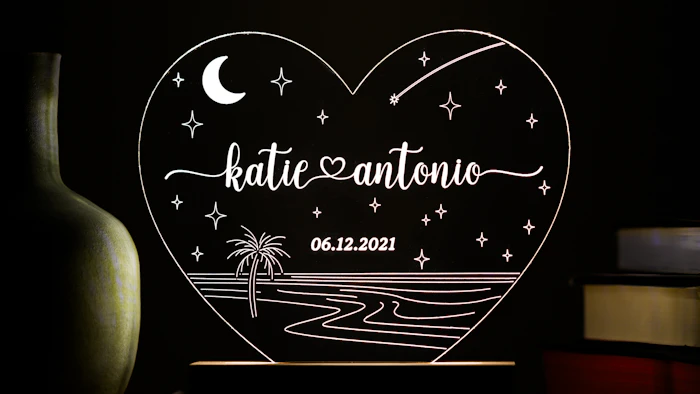
This example uses the "Beach" background and the Crazy Laser Dad base. Notice the color temperature is cooler than the Amazon bases (used in the top photo "Lucy and Gabriel").

This example "paetyn" by Kelly E shows how you can type a single name and leave the other name blank to omit the heart connector.

Example using a color-changing LED base, by Mary A. Mary reports: “127 views and several messages in under 5 minutes. These will be a hit! THANK YOU!!”
Repositioning the names
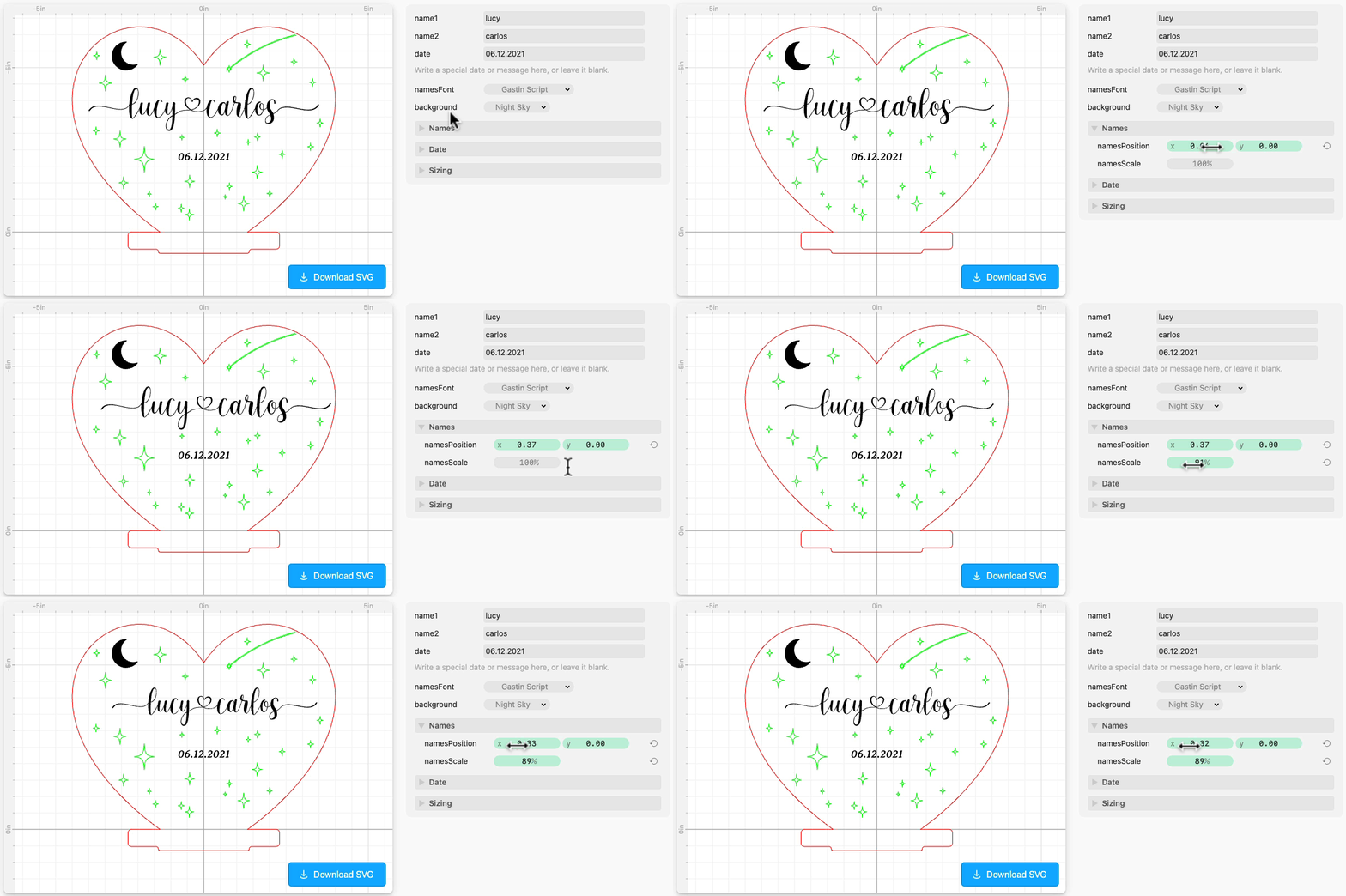
You may want to resize or change the position of the names, for example if you'd prefer the heart to be centered rather than the names taking the full width.
You can do this in the Names section by adjusting namesPosition and namesScale.
Measuring the slot for a different base
In the Sizing section, you can change the slotWidth and slotHeight.
The slotWidth should be wide enough to fit snugly within the slot of your LED base.
The slotHeight should be slightly shorter than the total depth of the slot on your LED base, so that the slot part of the design is fully within the base and the heart is "growing out" of the slot.
Why is the slot shaped like this?

In our experience, some LED bases have big globs of glue where the power wires are soldered to the LED strip. Shaping the slot like this avoids hitting those globs so that the acrylic piece sits upright.
Drawing your own background scene
To draw your own background scene:
Click Edit in Cuttle to open the template in the Cuttle Editor.
Choose "None" as the
backgroundoption.Open the (initially blank) Custom Scene component and draw your own engraved or scored pattern.
Download the Flipped component and you're ready to cut!
Credits
This template was developed by Brian Wente and Toby Schachman.
