Garden Markers
 Cuttle Official
This is a simple project using one text parameter and a component to cut garden markers in batch.
Video tutorial and explanation here: https://youtu.be/nMYwOntop0Y
How To Use
Customize your garden markers by changing
plantNames, one plant name per line.Click "Download SVG"
Cut on your laser cutter, the letters can be engraved or cut depending on the look you are going for.
Materials
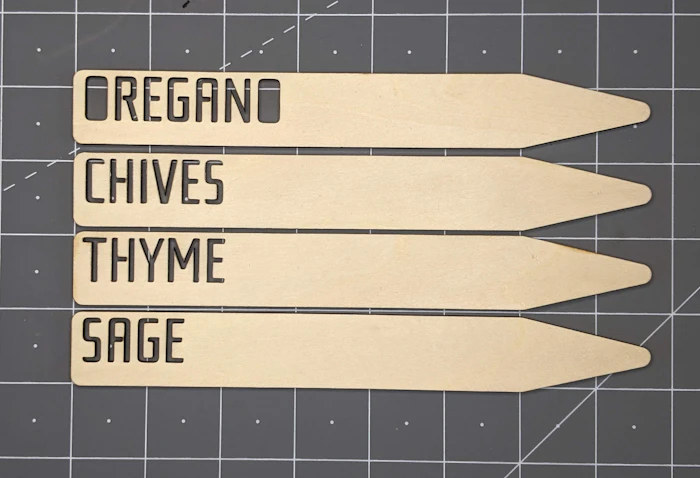
I cut these out of 1/8" birch plywood and the letters can be cut out, scored or engraved depending on your font choice.

Design Your Own Version
The video below is meant to be an introduction to using parameters in Cuttle, you can watch it to get a better idea on how this project is constructed and build your own. As a starting point you can use the Copy This Project button above.
Makes & Comments
You must be a member of Cuttle Pro to post in this area.