Free Laser Cut Stamp Generator
 Cuttle Official
Create a stamp with your choice of text and font. This is a 3-layer design that includes the top piece, a middle layer spacer, and the rubber stamp. The middle layer foam spacer is optional but it helps separate the rubber from your fingers and provide even pressure for a cleaner print.
Supplies
Includes affiliate links.
Laser Safe Rubber for the stamp itself.
Craft foam for the middle spacer (provides cushioning and even pressure)
Plywood or MDF for the top piece
Laser Settings
Laser Safe Rubber
Glowforge Engraving: Speed: 310 | Power: 93 | LPI: 450 | Passes 1
Glowforge Cutting: Speed: 150 | Power: Full | Passes 1
Thunder 35/100 Engraving: Speed 200 | Max Power 35 | LPI: 260 | Passes 3 (from Tara)
Craft Foam
Glowforge Cutting: Speed: 300 | Power: 30 | Passes 1
Assembly

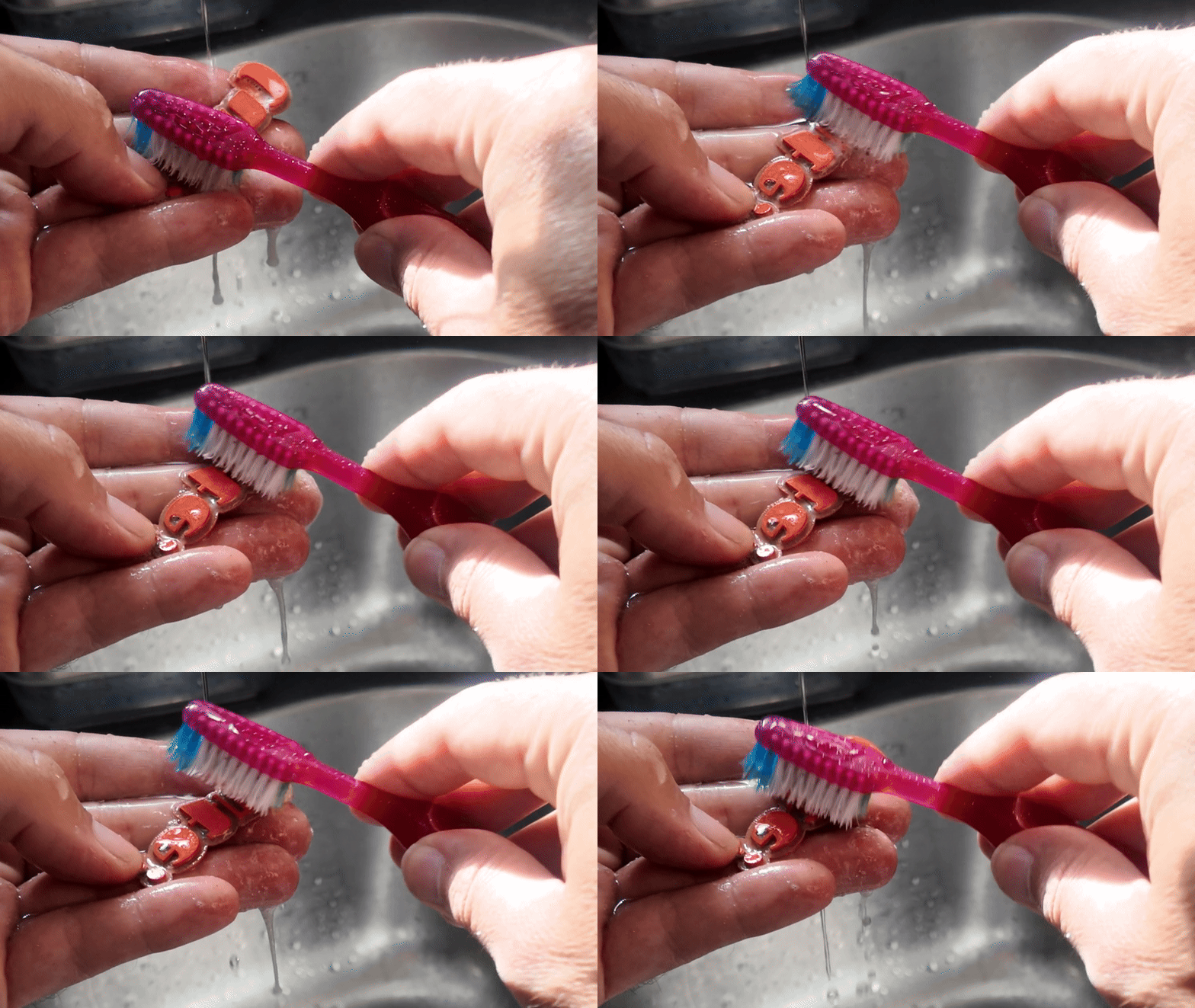
Engraving the laser safe rubber can generate some residue, clean it with a used toothbrush and soap, and rinse with water. Make sure to dry it before gluing.
Glue the 3 layers together making sure the edges are aligned.

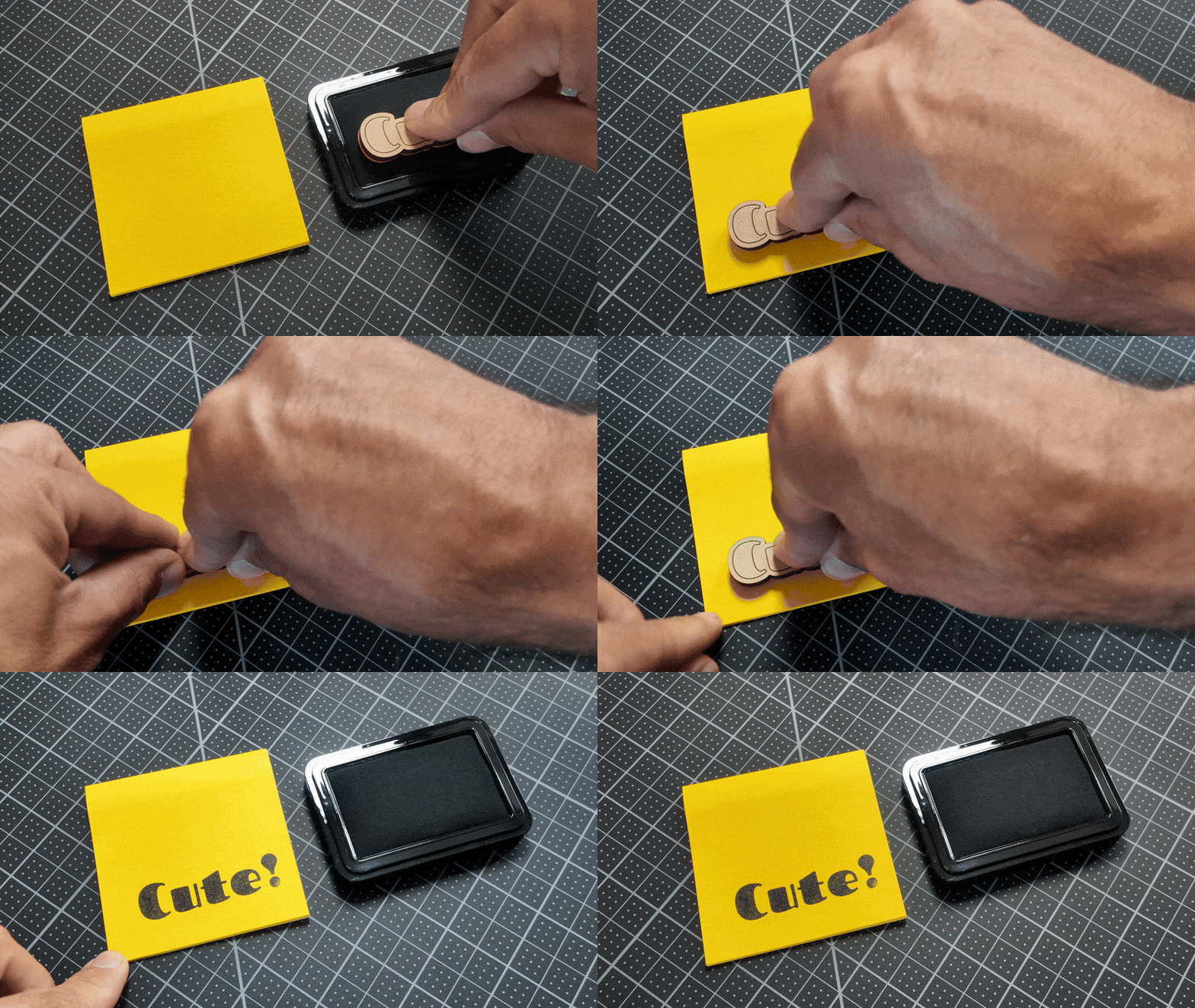
You are ready to use the stamp!
Learn More
Federico recorded a livestream showing how to make these stamps


