Finger Joints Kerf Tester (Metric)
 Cuttle Official
Find the the perfect kerf compensation for projects that use finger joints.
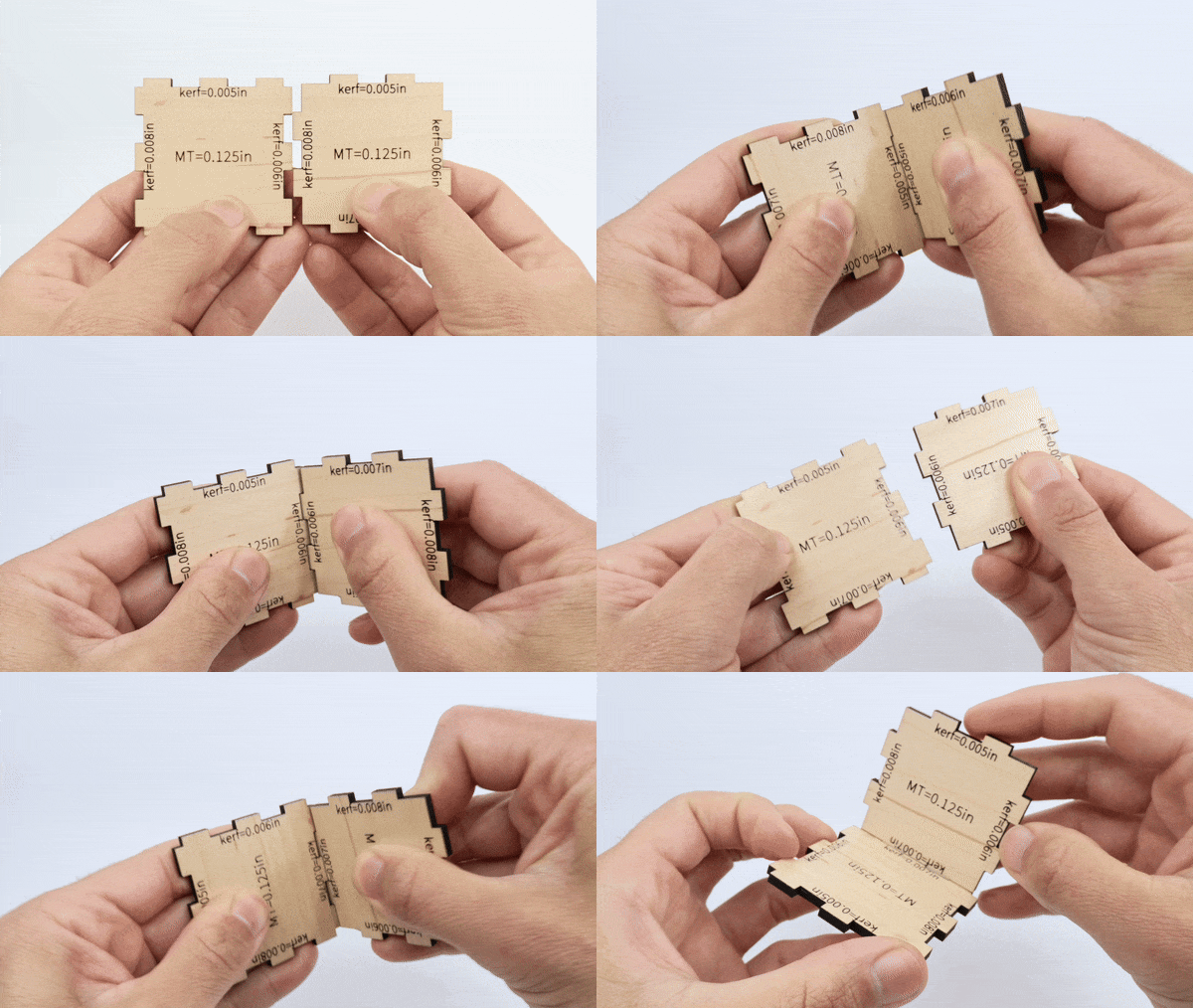
Some projects like our Open Box with Finger Joints require you to find a kerf compensation value that works with your specific combination of materials and machine settings. With this template you can test multiple values by cutting two matching parts and checking the fit manually.
How to use
The kerf is the width of the cut, that is how much is vaporized away by the laser cutter. And it will be affected by several factors:
The material that you are using.
Your specific machine.
The cut settings (focus, power and speed).
One important thing to remember: bigger kerf value = tighter fit
Our box making video has an in depth explanation about kerf.
Set the
materialThicknessbased on the material you're cutting. Be sure to measure this with calipers on a piece of material without masking tape.
The
startingKerflets you set the smallest kerf value you want to test.Make sure to score the numbers as these will be used as a reference.
After you cut the two pieces, test them by fitting sides that have the same kerf value to each other. You are looking for a snug fit that stays in place.
US version
Here is the version of the project based on inches.

