Engrave Depth Tester
 Cuttle Official
Find the perfect settings for when you need to laser engrave down to a specific depth.
This Engrave Depth Tester was made for our Sliding Lid box, and it can be used whenever you need a precisely depth'ed engrave on the face of your material.
You engrave slots at different speeds and cut a gauge of your target depth to determine the right settings for your machine and material.
How to Use
Set the
materialThicknessbased on the material you're cutting. Be sure to measure this with calipers so that the gauge fits into the slot. The engraved slot will be slightly bigger to allow for some wiggle room.Optional: set the
slotSpacingandnumberOfSlots.The
startingSpeedlets you set the number on the first slot. These numbers can be scored as a reference.When applying the settings on the machine we like the stick to the same Power and LPI (Lines Per Inch) settings and vary the Speed.
👉 Note that on a Glowforge 100% power is not the same as Full Power.
So with 1/8" (3mm) materials start with the following settings on each consecutive slot275 speed / 100 power /195 Lines Per Inch
300 speed / 100 power /195 Lines Per Inch
325 speed / 100 power /195 Lines Per Inch
350 speed / 100 power /195 Lines Per Inch
375 speed / 100 power /195 Lines Per Inch
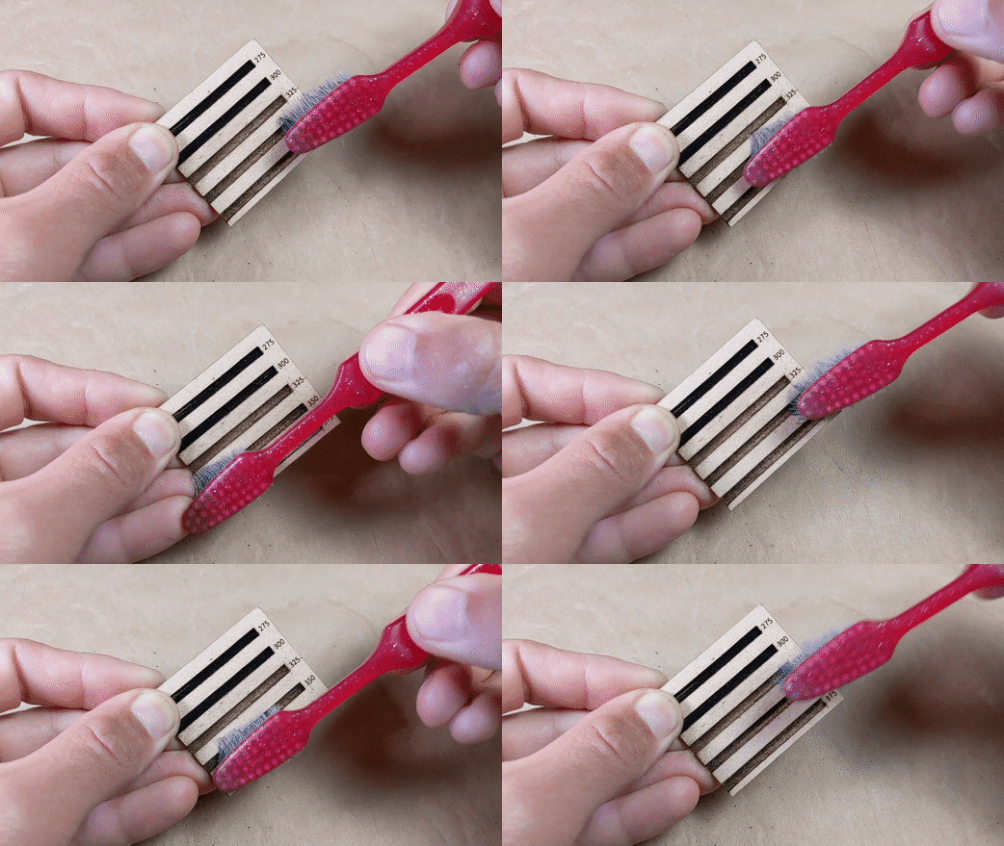
After you engrave the slots and cut the pieces, you'll need to clean out the engraved slots. Simply slide a piece of scrap material back and forth within the slot, then brush it a bit with an old toothbrush.
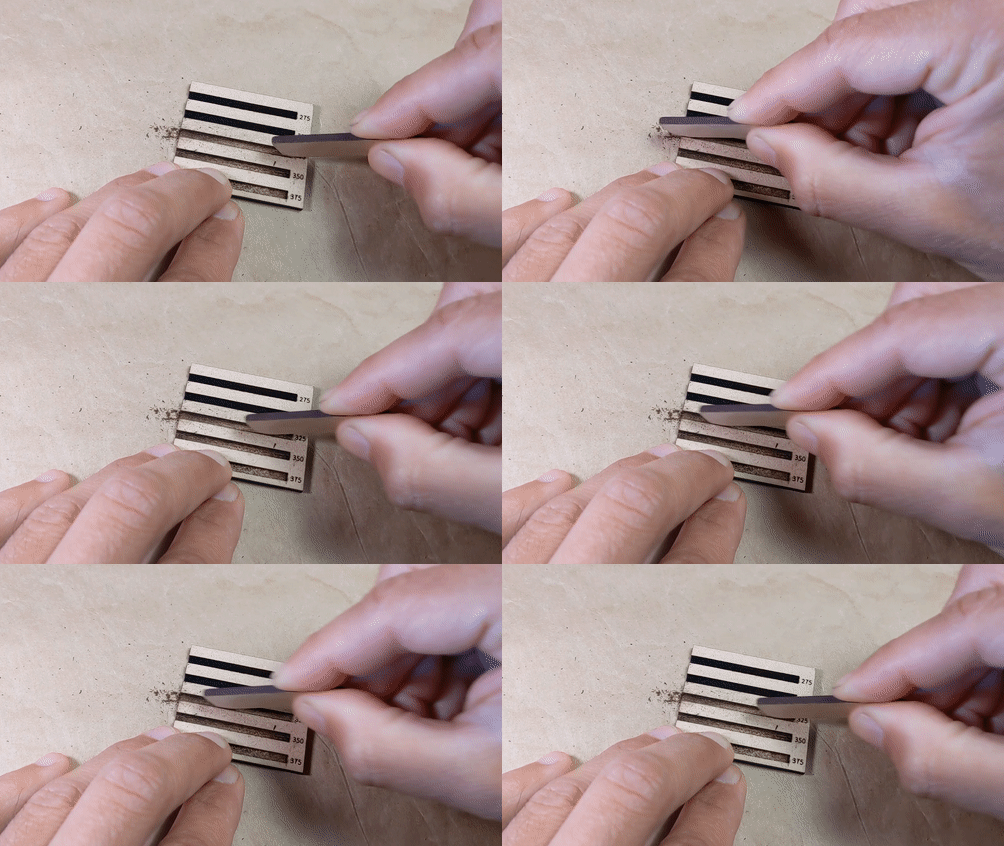
Test the slots with the Depth Gauge until you find one that's a little deeper than the gauge you are testing. You are ready to make a Sliding Lid Box!