Easter Basket
 Cuttle Official
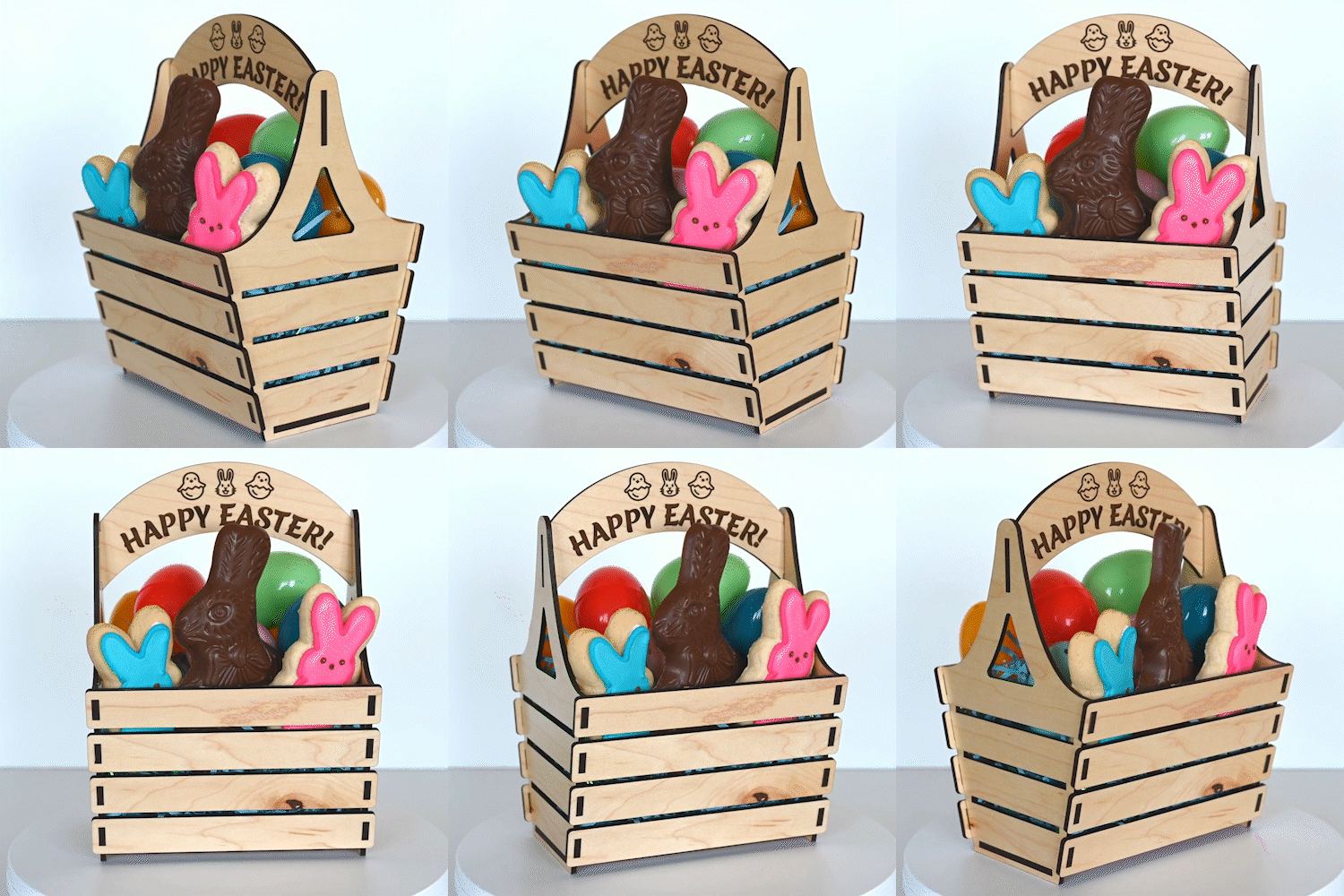
Customize the dimensions and material thickness of this laser cut basket. You can also customize the number of slats and the angle of the sides. Includes a plain handle and a handle with customizable text.
How to Use
Set the dimensions (
width,depth, andheight) of your desired basket. You can optionally change thenumberOfSlatsandinclineangle.Set the
materialThicknessby measuring the material you're cutting with calipers.Set the
kerfto compensate for the kerf of your cutter. A value of 0.007" is usually a good starting point. Bigger kerf = tighter fit.Optional: Change the
numberOfSlatsandinclineangle of the sides.Optional: If you'd like to use the Handle with customizable text, also create and download that handle below. 👇
Reference Examples
Here are the parameters we used in the above image:
The smaller basket is cut from Proofgrade Light Maple:
materialThickness= 0.118 inwidth= 5 indepth= 3.5 inheight= 2.5 in
The larger basket is cut from Proofgrade Medium Maple:
materialThickness= 0.139 inwidth= 6 indepth= 5 inheight= 4 innumberOfSlats= 4
Assembly
Start by pressing the bottom piece into the bottom slot on either side.
Next, press the handle into the tops of the sides.
Finally, press all of horizontal slats in.
Handle with Customizable Text
Here's a quick way to engrave and cut a customized handle with your own text.
The top line is set as an Emoji font (fontLine1), but if you don't want to use emoji you can change that font.