Custom Envelope Maker
 Cuttle Official
Generate custom envelopes with variable width and height and specific dimensions for all of the flaps. See the video below to learn how this project was build and how to make your own.
How To Use
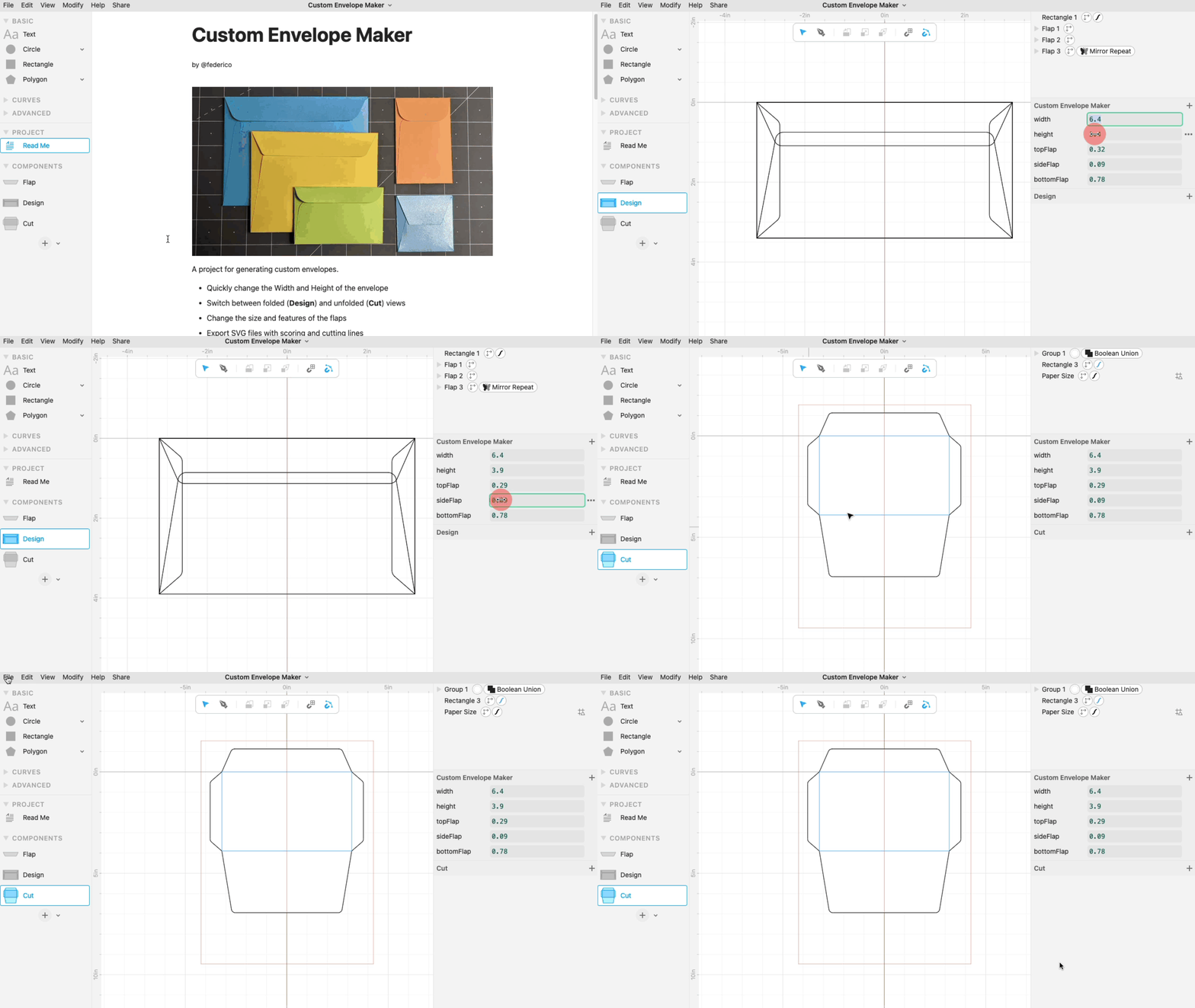
Start by selecting the
widthandheightof the envelope you need.Experiment with values of
topFlap,sideFlapandbottomFlapto ensure that all the flaps overlap and to get the desired lookClick on "Download SVG" on the unfolded version of your envelope to get a cuttable file that includes the score lines for folding.
Design Your Own Version
The video explains how this template was designed and it's a good introduction to using parameters in Cuttle. It also has some tips on how to further customize your own designs.
Further Modifications
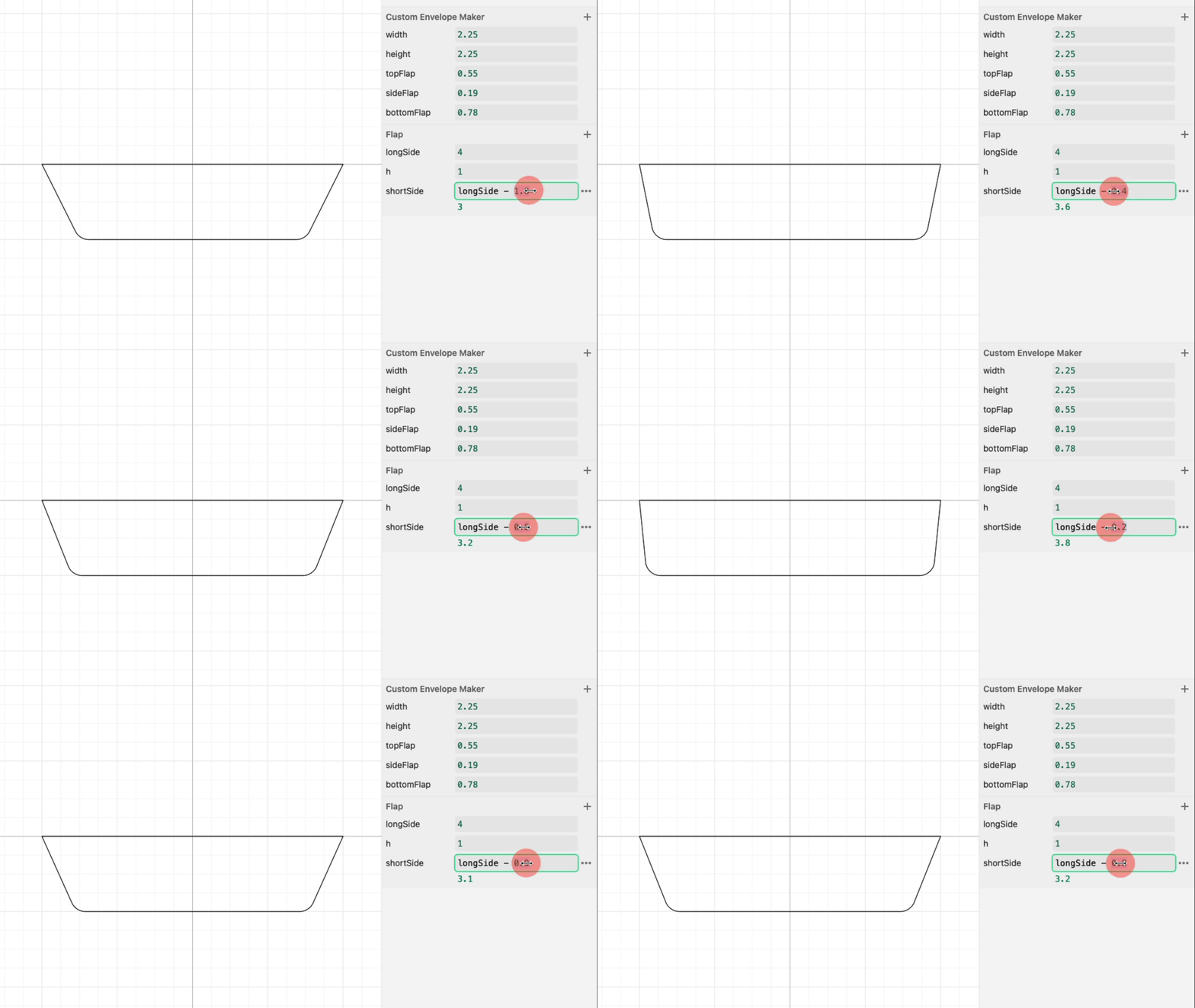
In the Flap component you can vary the relative size of the short side of the parallelogram by changing the value of shortSide
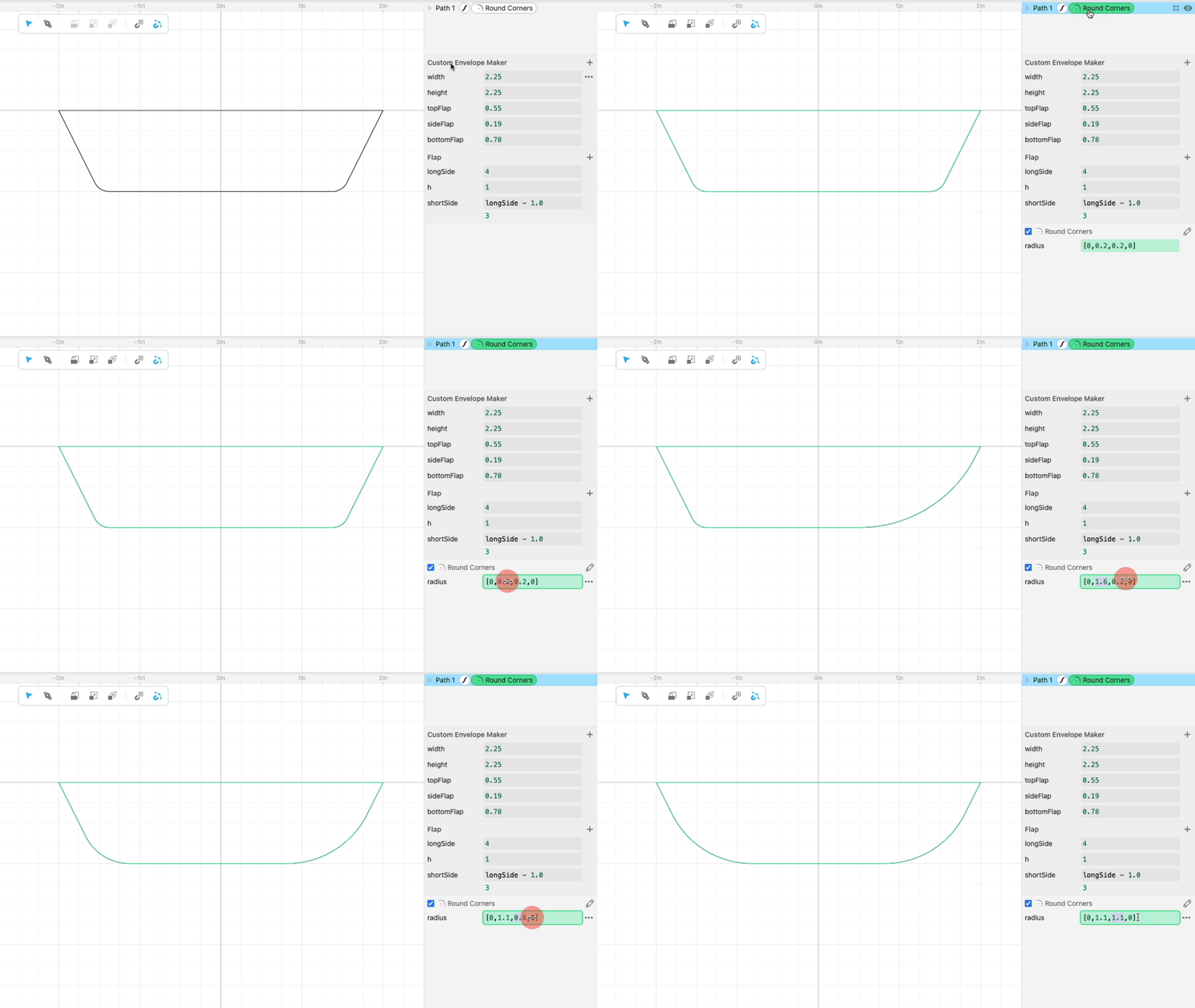
The rounding radius of the corners can also be changed by selecting the Round Corners modifier and changing its parameters.