Crankie (Moving Panorama)
 Cuttle Official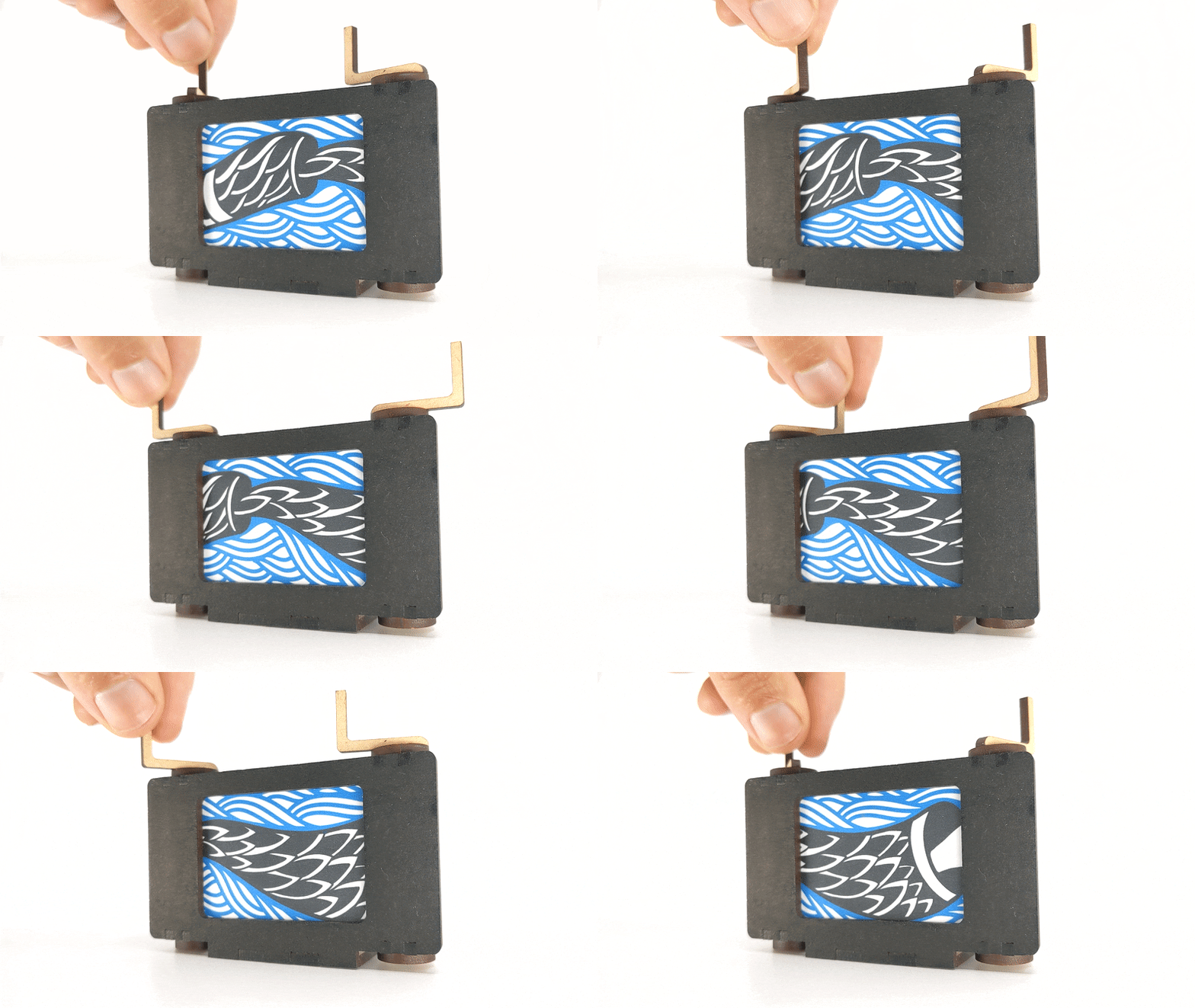
Crankies are small moving panoramas. They usually have a long illustrated scroll wound into two spools with cranks that you can turn to display the image through a frame. With this template you can make a laser-cut version with your own dimensions and materials.
How to Use
Set the
scrollHeightdimension. This is the height of the paper roll, or scroll, where the artwork will go and will also determine the overall height of the frame.Set the
windowWidthto determine how wide your viewing window will be. This is the central rectangle that frames the artwork.Set the
materialThicknessby measuring the material you're cutting with calipers.Set the
kerfto compensate for the kerf of your cutter. A value of 0.007" is usually a good starting point. Bigger kerf = tighter fit.The default design can accommodate a Scroll that is 1.6" in height by about 44" long if made from regular printer paper. With the tool below you can upload a single image that will get chopped to fit your printer paper.
Some things to try:
Printable Blank
This component generates a page with divisions based on the scrollHeight. Useful if you want to download a printable PDF with marks for cutting paper strips of the right size.
Upload Your Own Image
This component lets you upload any long (wide) image you like. It automatically divides the image into strips that you can glue together.
Inspiration
Sue Truman's Crankie Factory website has a wealth of information on history, fabrication, unusual ideas for making your own crankies and much more. It's worth checking out for getting inspired and seeing the way other cranksters use these contraptions in their performances.