Block of Text Generator
 Cuttle Official
Type anything to make a connected "block of text" for a coaster or sign. The text is automatically sized to fit, with optional score lines between letters.
How it works
Type any text and it will be automatically sized to fit into a rectangle.
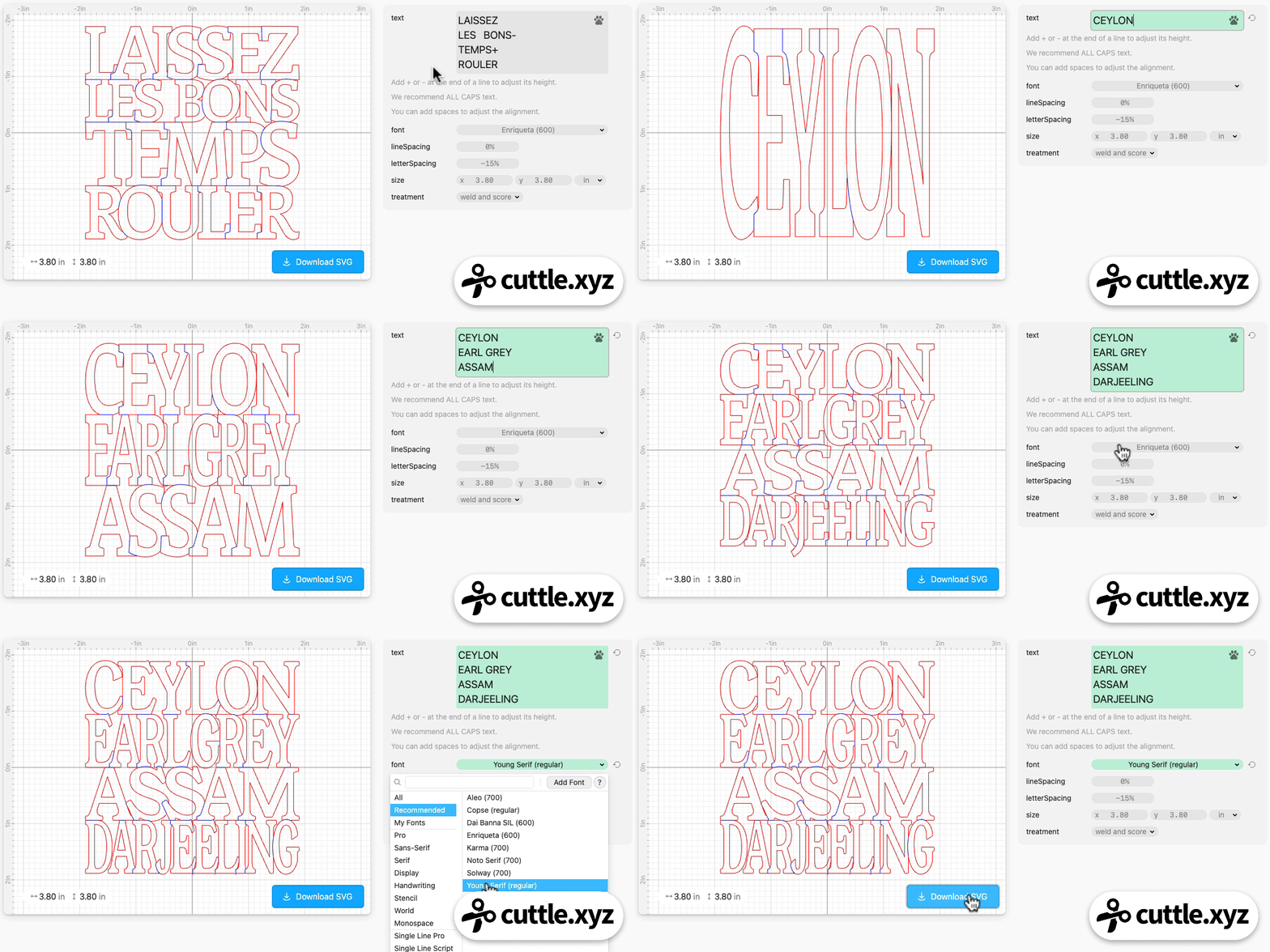
Sizing
You can leave the size as default (3.8 inch square) for a coaster, or change the size to make a wall hanging sign or other project.
Score Lines
Optional blue score lines are added between letters. This is all one single, connected cut but the scores help the letters pop. Behind the scenes this uses Cuttle’s Weld and Score feature.

Resizing Individual Lines
Like the Family Name Christmas Tree Ornament, you can add +’s or -’s at the end of a line to make any particular line bigger or smaller.
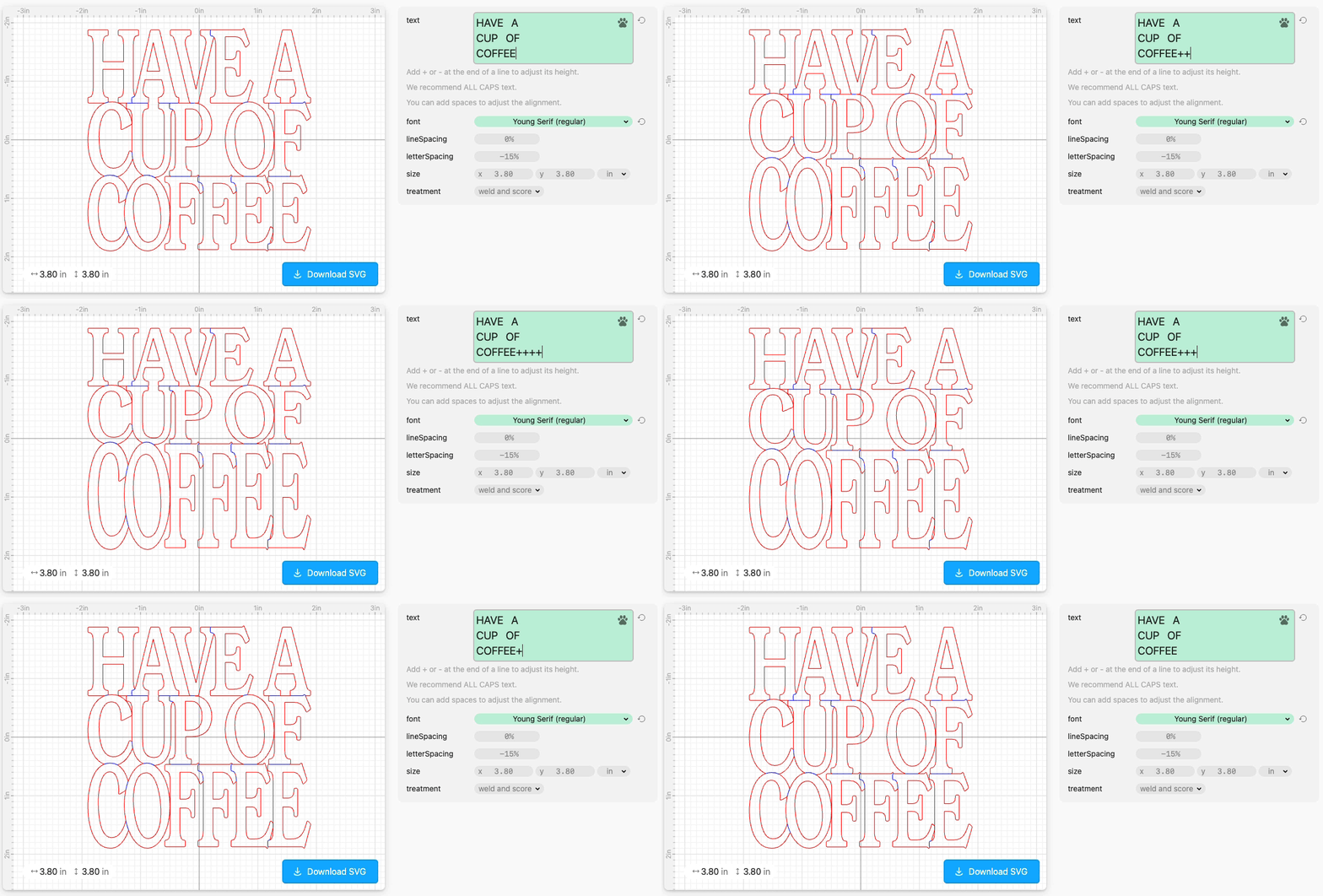
Troubleshooting: Numbers
Some fonts have "oldstyle numerals" where the numbers have inconsistent vertical alignment.

If you're using numbers in your design, we recommend choosing a font with aligned numerals, such as Solway (700).
Troubleshooting: Lines not connecting
This template will lay out lines according to their capital letter height (we measure a capital I for this).
But some fonts have inconsistently aligned capital letters.
In this case, try reducing the lineSpacing parameter to a negative number, like -1%. You can use this to force the lines to overlap.
Troubleshooting: Letters not connecting
If you have letters or punctuation that are dangling (not connected), you can help these shapes connect by either:
Choosing a bolder font.
Reducing the
letterSpacingwhich will make letters closer to each other horizontally.
