How to Create Connected Text for Laser Cutting with Cuttle
JUN 30, 2022
Here's the latest with Cuttle.
Connected Text Tutorial 🎥
Federico recorded a new video tutorial on creating connected text for laser cutting.

The tutorial shows how to join all the letters of a word or sentence into a single, continuous shape.
This is useful for laser cutting or cutting vinyl stickers when you want your text to be cut in one piece.

The video covers:
- Fonts that work well for being connected
- Joining a single word, multiple words, or multiple lines
- Adjusting the spacing between letters and lines
- Connecting pieces of letters like the dots of i’s, accents, etc.
- Joining other shapes, like a stake for a cake topper
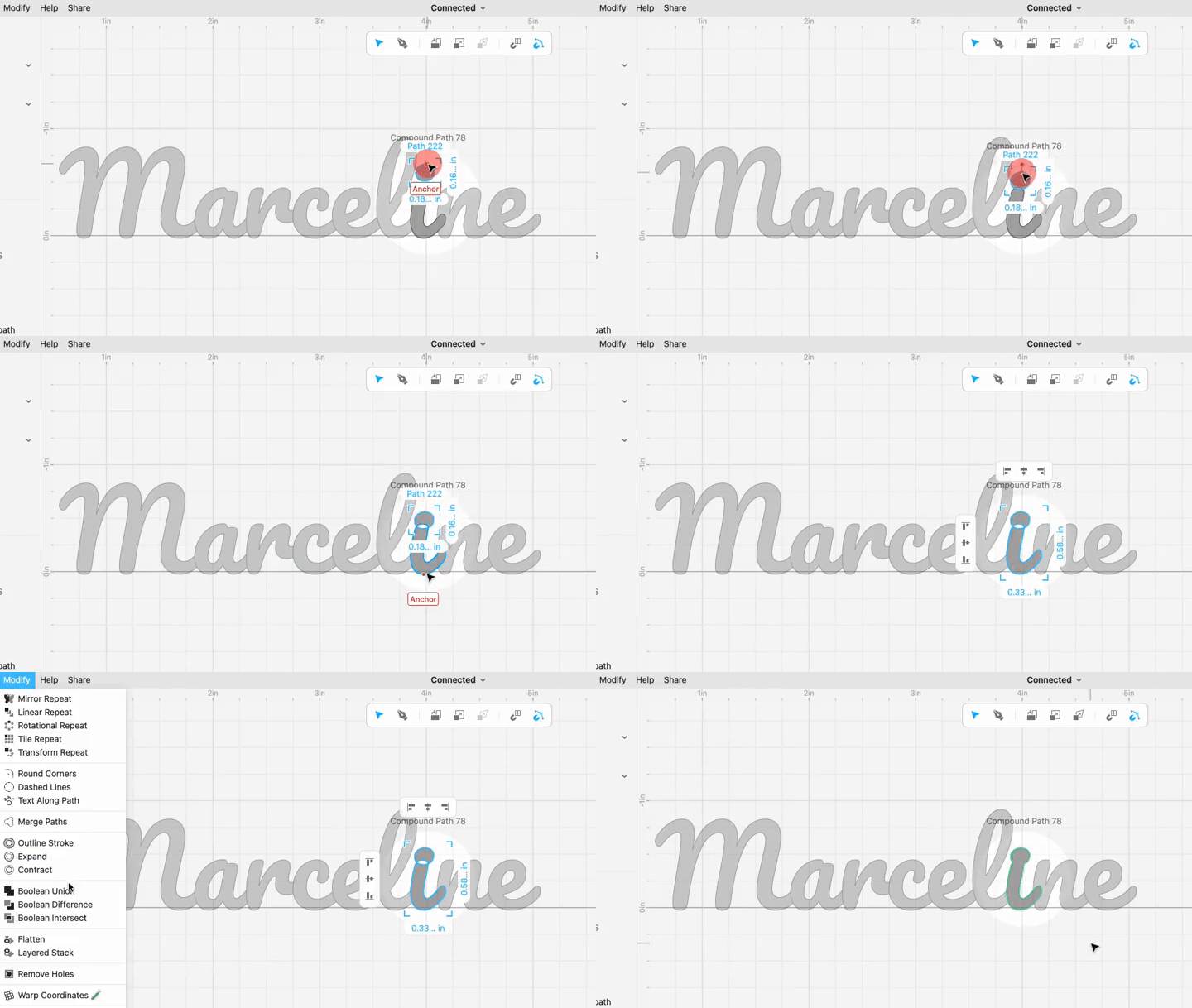
It’s also a good intro to some Cuttle fundamentals:
- Adjusting the letter spacing and line spacing on Text
- Using Boolean Union
- Using Convert to Paths
- Understanding Compound Paths
Other Improvements and Fixes 🐞
- Added a new Copy Component action when you right-click a component in the left sidebar. You can then paste into another project. All dependencies (for example if your component using another one of your components) will automatically paste as well. Thanks to @jestelle for the request.
- Fixed some edge cases around copy and paste.
- Shapes with no stroke or fill now correctly render and export with no styling. Previously they had a black hairline stroke.
- Fixed a bug where certain pages would lose your scroll position when you switched to another browser tab.

Toby Schachman