Easter Carrot Name Tags - SVG Generator 🥕
FEB 12, 2025
Here's the latest with Cuttle.
- New Template: Easter Carrot Name Tag
- Cuttle Editor Tutorial: Standing Signs with Finger Joints Kit
Easter Carrot Name Tag

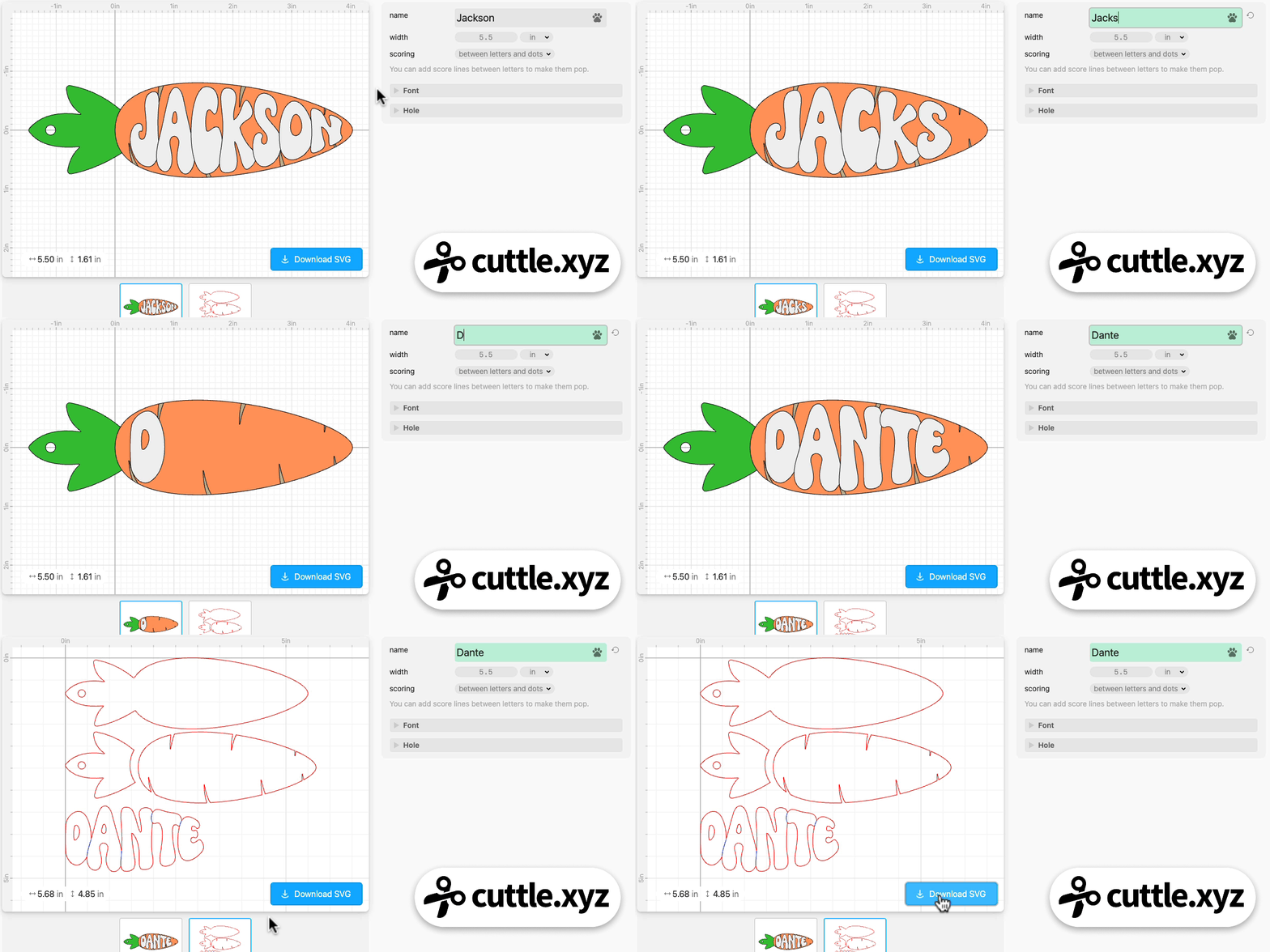
Our latest template is a Carrot Easter Basket Tag that you can instantly personalize by typing any name.
- The name is automatically welded and “warped” to fit the curve of the carrot.
- Generates a three layer design. Each color is a separate piece.
- Optional score lines between letters to make them pop.
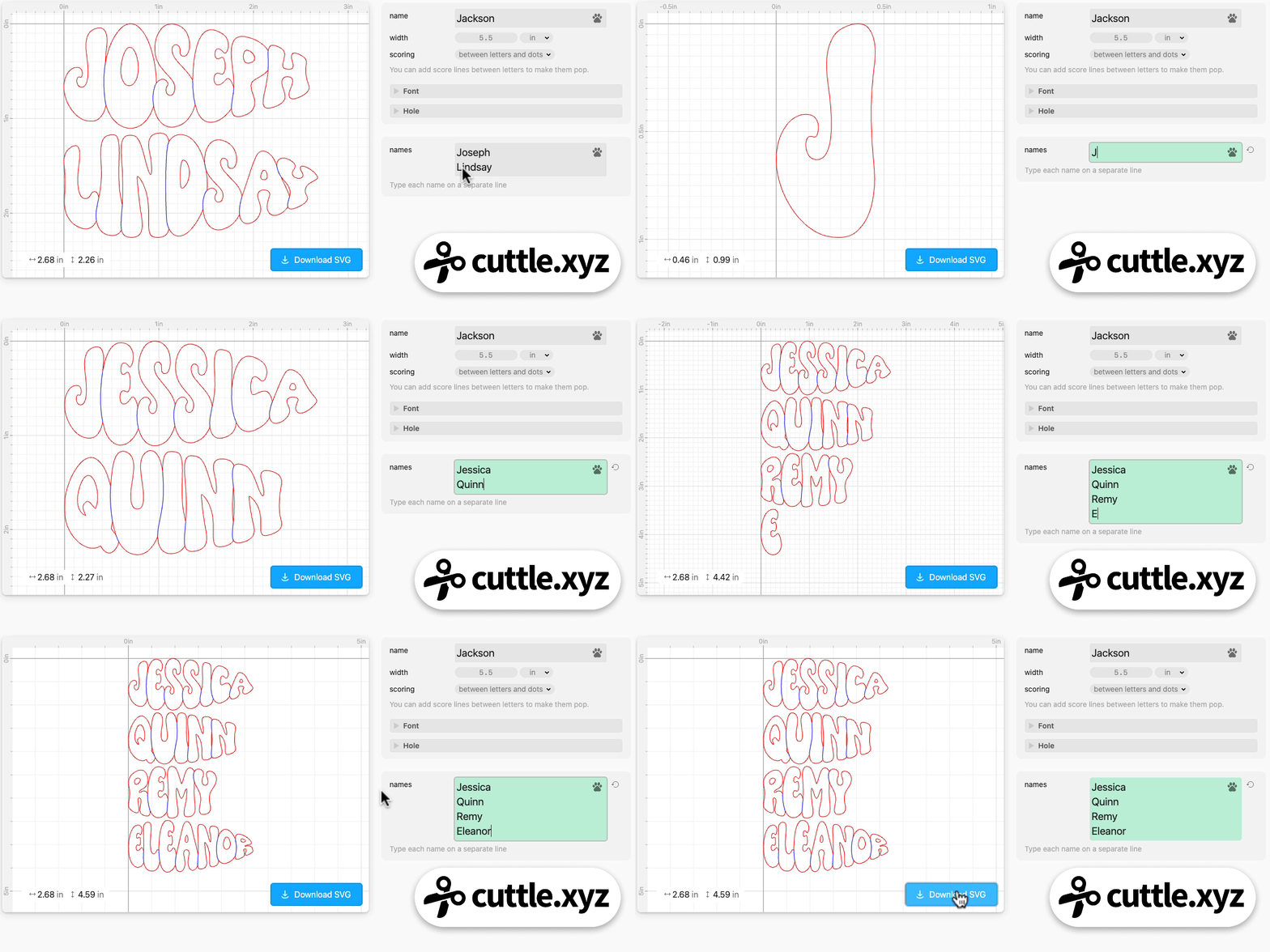
There’s also a Bulk Production feature that lets you type or paste a list of names.
Each name is automatically sized and warped to fit on the carrot and it generates a single cut file, ready to go.
Video Tutorial: How to Create a Sign with Stand

In Federico’s livestream from last week, he answers Jamie M’s request for a standing sign design using our just released Finger Joints Kit.
He uses the Expand modifier with Connected Text to create a name sign with two layers. He uses the Finger Joints Kit to add tabs to the bottom of the sign, and designs a base with corresponding slots.
Here’s the template he created.
You can catch Federico’s streams live on our Facebook Group on Thursdays at 1pm PT / 2pm MT / 3pm CT / 4pm ET. See you there!
Other Improvements and Fixes 🐞
- With Text with Tails, many of the fonts with tails only support them on lowercase letters. Now when you use an uppercase letter with a tail, it will automatically convert to lowercase if the font only has the lowercase tail.
- On the Text with Tails and Hearts template, added an option to do a fill (instead of stroke) to make this easier to engrave (instead of cut). Thanks for the request Andrea W!
- When exporting PNG files, we now round the width and height to the nearest integer. Previously exported PNGs would occasionally be one pixel wider or taller than expected.

Toby Schachman