Coloring Book made with Cuttle 💠, Sign in with Google 🎟, Pop-ups 🦋, More Fonts 🌏
MAY 18, 2022
Here's the latest with Cuttle.
- Projects from the community: Geometric Coloring Book, Pop-up Mechanisms
- Sign in with Google
- New options for the Rotational Repeat modifier
- Updated the fonts list, with a new “world” category
Geometric Coloring Book 💠
Cuttle user Musa Ghani published a Geometric Art Designs coloring book. All the patterns were designed in Cuttle!

Musa writes: “I have always been fascinated by geometric designs. Cuttle allowed me to explore that passion in unique ways. As of today i have a Geometric Art Designs Coloring book on Amazon, thanks to Cuttle!”
You can get Musa’s coloring book on Amazon. Happy coloring!
Paper Mechanism Videos 🦋
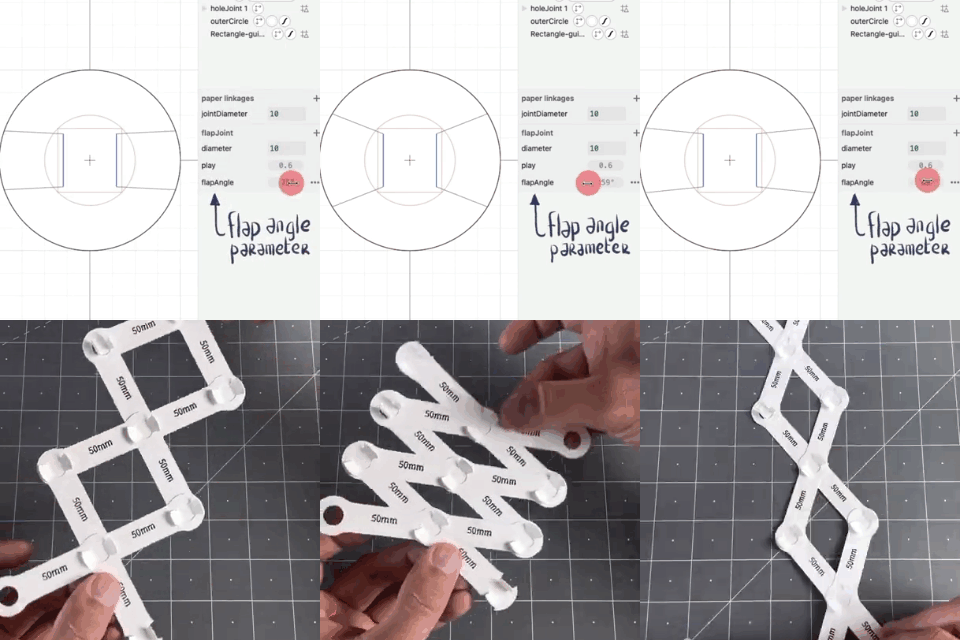
Federico posted Parts 3 and 4 in his short video series on paper linkages.
In part 3, he tunes the play of the joint mechanism by adjusting parameters in Cuttle and then creates a scissor lift mechanism.
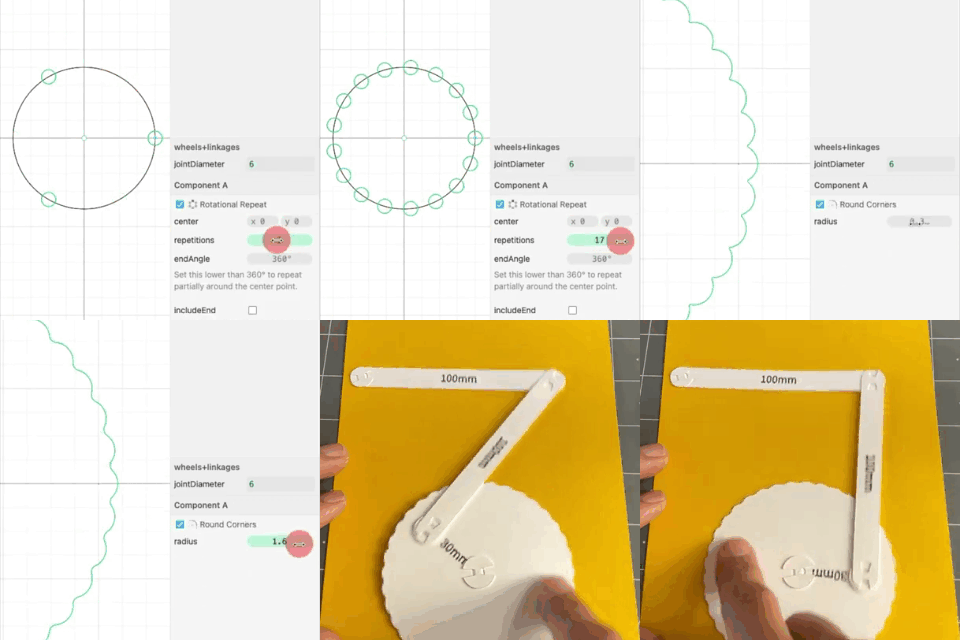
In part 4, he makes a wheel in Cuttle and then makes a piston mechanism.
Follow Cuttle on Instagram for the final episodes in the series!
Federico also recorded a longer making-of video (23 min) where he shows his entire process for designing pop-ups, first prototyping by hand with an x-acto knife, then designing the tabs and mechanisms in Cuttle.

Federico generously allowed us to share the above patrons-only video from his Patreon. If you’d like to support Federico’s art practice, see more behind-the-scenes videos, and occasionally receive surprise gifts in the mail (!) you should join his Patreon!
Sign in with Google 🎟
You can now sign in to Cuttle with a Google account.

This was a big request from educators as most schools use Google-based accounts for their students and password issues eat into valuable classroom time.
If you’ve already created an account with your email address, signing in with Google will automatically connect to that same account as long as the email address matches.
Thanks to teachers @read_a_book, @ken_hawthorn, and @pfrape for feedback on this.
Rotational Repeat 🌈
You can now set the endAngle on a Rotational Repeat.
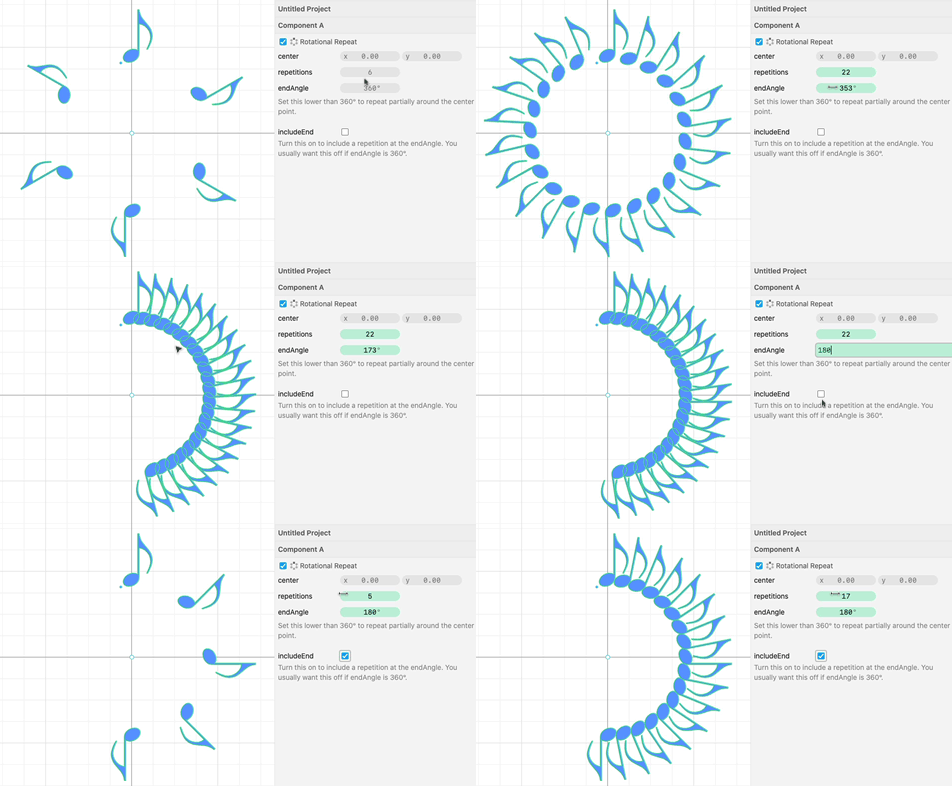
Previously when using Rotational Repeat, you had to repeat your motif all the way around. Now, by setting endAngle to less than 360, you can repeat something only part of the way around.
Thanks to Nadieh Bremer for suggesting this feature.
Fonts from Around the World 🌏
The free fonts that come with Cuttle are from Google Fonts. We updated the fonts list on Cuttle to have the latest.
Of note, the new fonts include characters from hundreds of languages around the world: Egyptian Hieroglyphics, Kufi Arabic, Traditional Chinese, Emojis, Music notation, and more...
To organize these, we added a “world” category to the font picker.
Here’s a Cuttle project showing off these new characters.

You can browse these new fonts — and find characters to copy and paste — from the Noto font family web page.
Other Improvements and Fixes 🐞
- Added
cmd / ctrl+Pkeyboard shortcut for File > Print. - Made Edit > Flip Horizontal / Flip Vertical be disabled when the scale of a shape is locked (because you’re using an expression in the scale parameter). Note: You can Group your shape if you want to force it to flip.
- Fixed a bug where the snapping point annotation would stick around after you deleted a shape until you moved the mouse.
- Fixed some subtle bugs when editing the parameters of a custom component or modifier.
- Fixed an issue where the keyboard shortcuts wouldn’t active if you had just clicked a checkbox.
- Fixed the draw ordering of the Transform Center so that it’s always on top when holding
cmd / ctrl. - Fixed a display glitch when adding video to the Read Me.
- Scripting: Turned off auto-complete when typing a JavaScript comment.
- Scripting: Improved the heuristic for when to insert a new line when “return” is typed.

Toby Schachman